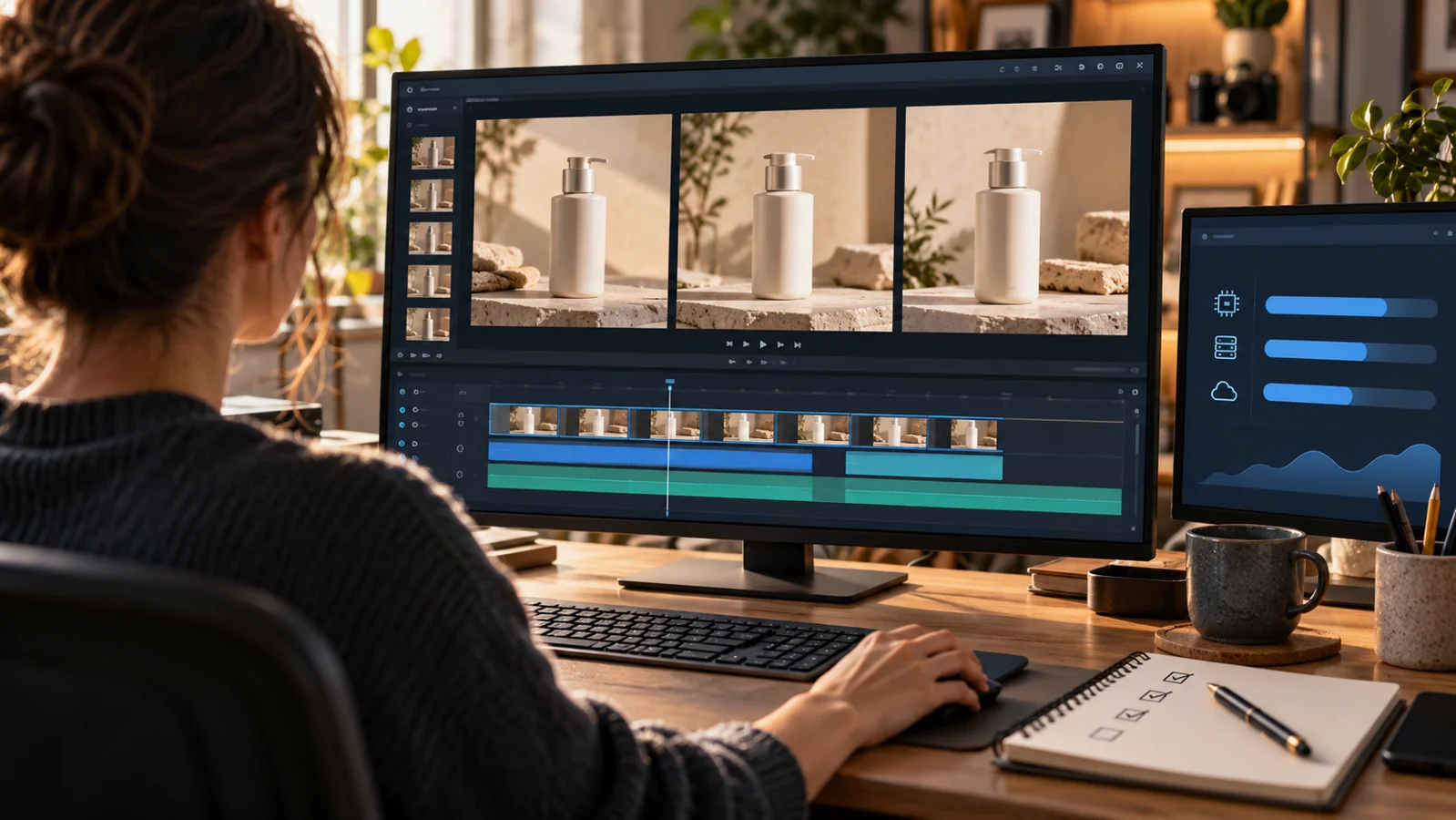
Small Business Saturday: Make a Holiday Promo Video in One Afternoon with Seedance 2.5
Small Business Saturday lands on November 28, 2026, and for Jersey Shore shop owners it is one of the few days of the year when local buyers are actively looking for a reason to choose a neighborhood shop over a delivery app. A short video can help you be part of that day, and it does not need a filming session. If you have three decent photos of your shop and one quiet afternoon, you have enough to build a local shop promo video that looks considered rather than rushed.
Start with an honest concession. A plain photo post may be sufficient, especially if your followers already know the shop and the offer is simple. Post the photo and spend the afternoon on your shelves instead. The case for video is narrower: you have good photos but nothing that moves, no time to film, and a weekend offer that deserves more attention than a static image usually gets. That is the gap Seedance 2.5 fills for a local promotion: it animates the photos you already own into one short clip, with the movement and mood described by you, so the shop front people recognize becomes the opening shot of your promo.
Gather three photos
You need three photos, and they must be yours. Choose them for the jobs they do in the clip:
- The storefront. The view a passerby knows: your door, your window, your sign, taken in decent light. This is the recognition shot, the one that tells locals exactly whose offer this is.
- The product. A close, tidy shot of the item or gift bundle behind your weekend offer. One product reads clearly in a short clip; a crowded shelf does not.
- The detail. Something with texture and season in it: a wrapped parcel on the counter, lights in the window, a handwritten card beside the register. This shot carries the holiday feeling.
Check the rights before anything else. Upload only photos you took yourself or photos you have clear permission to use, and skip anything supplied by a wholesaler or copied from a supplier catalog unless that permission is in writing. Check quality too: sharp, well lit, and clear of clutter you would not want enlarged on a phone screen. Fifteen minutes of care here saves an hour of regenerating later.
Generate the clip with Seedance 2.5
Work in this order. Choose your three photos, upload them as references, describe the scene you want, generate a draft, inspect it carefully, and only then add the offer and the opening hours in an editor. The wording always comes last, added by you, where every letter stays under your control.
Seedance 2.5 handles this with Media-to-Video: your uploaded images act as references that guide the clip, so the storefront, the product, and the colors stay close to the real shop instead of being invented from a text description alone. Seedance 2.5 accepts up to 30 images as references, although this workflow needs only your three. Aim for a single clip of 15 to 30 seconds, long enough for the door, the product, and the detail to each get a moment. Output can run up to 4K, which is more than a phone feed needs, but it means the same clip can also serve on a larger screen in the shop window if you want it there.
Using your photos as references
Order the references the way you want the clip to flow: storefront first, product second, detail last. In your description, say plainly what moves and what must stay still. Ask for one slow movement rather than several, because a single gentle move toward the door keeps the building’s proportions honest, while busy motion is where signs bend and windows warp. If a draft distorts the storefront or the signage, reject it and simplify the movement rather than posting a version of your shop that locals would not recognize.
Copyable prompt
Adapt this prompt to your own photos, keeping one movement, one mood, and the exclusions at the end:
15-second promo using the uploaded storefront and product photos: slow move toward the shop door at dusk, holiday lights in the window, light snow, soft bells, no visible people, no text.
Choosing the shape
Decide the shape by destination. A 9:16 vertical clip suits Instagram Reels and fills a phone screen for people scrolling quickly. A 1:1 square clip sits comfortably in the Facebook feed, where many local announcements are read. If you have time for only one, pick the shape that matches the platform where your regulars actually respond, and let the other platform carry the photo version.
Imagine, as a hypothetical example, a boardwalk gift shop promoting a weekend offer on its hand painted shell ornaments. The owner uses a dusk photo of her own storefront, a close shot of the ornaments, and a detail of the lit window, and the clip simply carries a viewer from the door to the product to the lights. That modest arc is all a local promo needs.
Post it where locals look
Post the finished clip on the Saturday morning, or the Friday evening before, on the platforms where your town actually talks: your Instagram and Facebook pages, local community groups that allow shop posts, and your Google business profile if you keep one. The U.S. Small Business Administration lists the date and ways to take part on its Small Business Saturday page. Add the offer and the opening hours in your editor first, as clean text over the final seconds, and then repeat them in the caption using this card format:
This Saturday at [shop]: [offer]. Open [hours] at [address].
Pin the post for the weekend, reply to comments quickly, and take it down or replace it once the offer ends, so nobody arrives on Monday expecting Saturday’s deal. If you are considering the tool for the season rather than a single weekend, note that Seedance 2.5 yearly plans are 50% off through December 1, 2026, 23:59 PT (checked November 22, 2026).
Hold the limits firmly. The storefront and signage in the clip must match the real building, because recognition is the entire point. Only your own photos, or photos you hold rights to, belong in the references. And a promo clip cannot guarantee foot traffic: it can remind your town, clearly and warmly, that your door is open on the day set aside for shops like yours. For a local business, that reminder, posted on time, is a good afternoon’s work.