AI Tools for Social Media: Workflows, Tool Stacks & 30-Day Growth Plan (2026)
AI tools for social media have moved from optional extras to essential infrastructure for anyone serious about growing online. Whether you’re a beginner posting your first Reels or a seasoned marketer managing multiple brand accounts, AI now handles everything from brainstorming content ideas to analyzing what’s actually working. This guide goes beyond a simple tools list, it gives you workflows, tested tool stacks, a 30-day growth plan, and the real results from hands-on testing.
What Are AI Tools for Social Media (And Why Should You Care)?
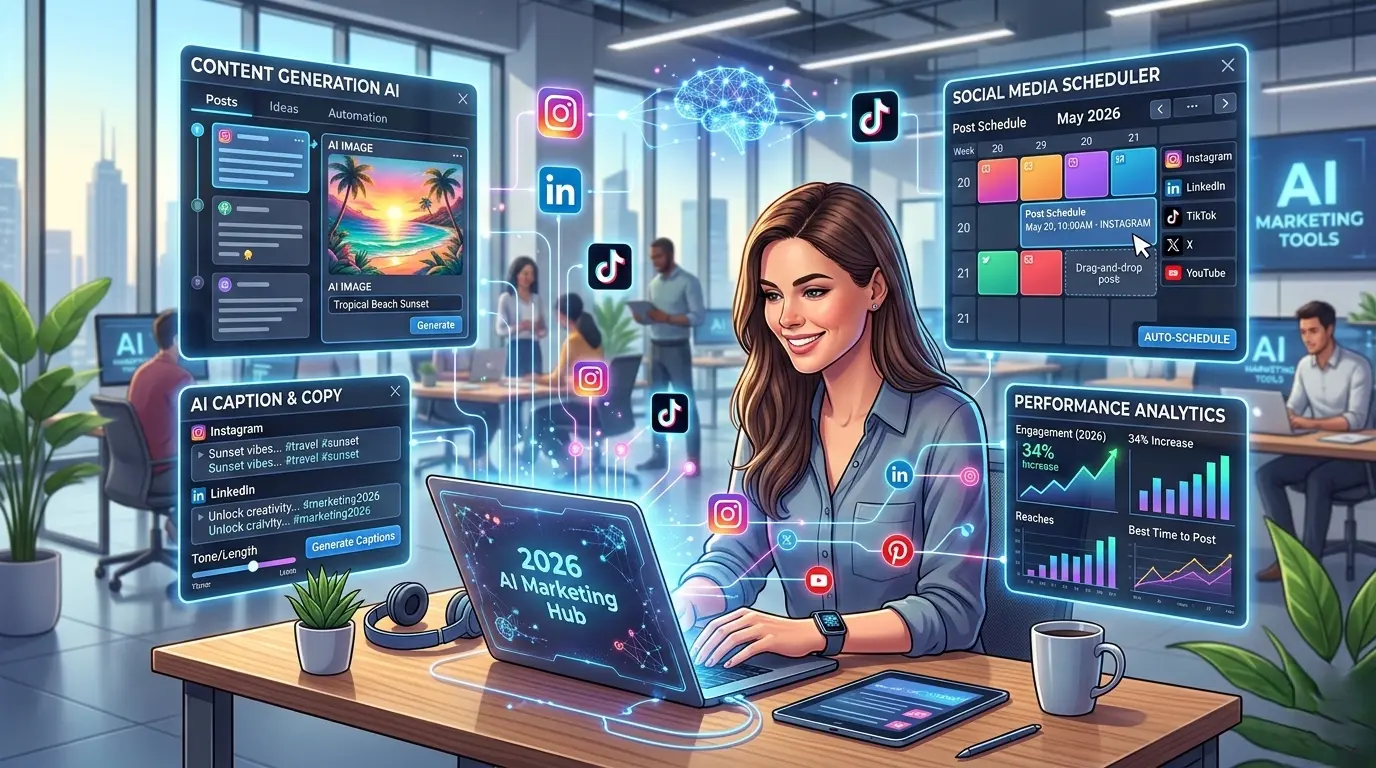
At their core, AI tools for social media are software applications that use artificial intelligence, natural language processing, machine learning, computer vision, and generative models to help you create, schedule, optimize, and analyze social media content also you can optimize your LinkedIn growth with AI.
They fall into five broad categories:
Why 2026 Is the Tipping Point
If 2024 was the year marketers experimented with AI, and 2025 was the year they adopted it, then 2026 is the year AI tools for social media became the default operating system for content teams everywhere. According to Buffer’s annual State of Social Media report, small businesses using AI tools for social media experienced a 2x increase in posting consistency compared to those relying solely on manual workflows, and that consistency gap has only widened.
The tools are smarter now, they understand brand voice, they learn from your analytics and for the first time, many of them work together in seamless, automated pipelines. If you’re still doing everything manually, you’re not just working harder, you’re falling behind.
My Testing Results: I Tried 12 AI Tools for Social Media for 30 Days
I don’t like recommending things I haven’t used myself. So I tested 12 of the most popular AI tools for social media over a full 30-day period across four platforms: Instagram, LinkedIn, X (formerly Twitter), and TikTok.
The Setup
What I Found
| Metric | Before AI (Manual) | After 30 Days with AI |
|---|---|---|
| Weekly content output | 6-8 posts | 20+ posts |
| Average creation time per post | 45 minutes | 12 minutes |
| Engagement rate (avg.) | 2.1% | 3.8% |
| Hours spent on social media/week | 14 hours | 5.5 hours |
| Posting consistency | 60% of planned posts published | 100% of planned posts published |
These numbers align closely with broader industry data. According to Sprout Social’s 2025 social media productivity benchmarks, marketers using AI scheduling and content tools save an average of five or more hours per week on routine tasks. That figure has grown as tools have become more capable heading into 2026.
Honest Takes
The Best AI Tool Stack for Social Media Growth
You don’t need twelve tools. You need the right five or six working together. After testing, here’s the stack I recommend for most marketers and business owners in 2026:
| Task | Recommended Tool | Free Option Available? | Best For |
|---|---|---|---|
| Content Ideas | ChatGPT / Claude | ✅ | Brainstorming, trend research |
| Caption Writing | Jasper / Copy.ai | ✅ (limited) | Platform-specific copy |
| Image Generation | Midjourney / Canva AI | ✅ (Canva free tier) | Scroll-stopping visuals |
| Video Editing | CapCut AI / Opus Clip | ✅ | Short-form video, repurposing |
| Design & Templates | Canva (Magic Studio) | ✅ | Branded graphics, carousels |
| Scheduling | Buffer / Later | ✅ (limited) | Cross-platform publishing |
| Analytics | Sprout Social / Metricool | ✅ (Metricool) | Performance tracking, reporting |
Best Free AI Tools for Social Media in 2026
If you’re just getting started or working with zero budget and also interseted in AI tools for Twitter automation and other. Then these five free tools will get you surprisingly far:
Best AI Tools for Small Business Owners
If you’re a business owner wearing ten hats, prioritize tools that are easy to learn and deliver fast results:
The AI Social Media Workflow (Step-by-Step)
One of the biggest advantages of AI tools for social media isn’t any single tool, it’s how they chain together into a workflow that turns one hour of effort into a week of content.
Here’s the five-step workflow I use:
1️⃣ AI Idea Generator → 2️⃣ AI Caption Writer → 3️⃣ AI Image/Video Generator → 4️⃣ AI Scheduler → 5️⃣ AI Analytics
Step 1: Generate Ideas
Open ChatGPT or Claude and prompt: “Give me 10 Instagram post ideas for [your niche] targeting [your audience], mixing educational, entertaining, and promotional content.”
In sixty seconds, you have a week’s content plan.
Step 2: Write Captions
Feed your best ideas into Jasper, Copy.ai, or even ChatGPT with a prompt like: “Write an Instagram caption for [idea]. Tone: friendly and expert. Include a hook, value, and CTA. Under 150 words.”
Step 3: Create Visuals
Take your caption concept into Canva AI or Midjourney. For carousels and branded templates, Canva wins. For unique, artistic imagery, Midjourney is unmatched.
Step 4: Schedule Everything
Upload your finished posts to Buffer or Later. Use their AI-suggested optimal posting times. Batch-schedule an entire week in one sitting.
Step 5: Review and Optimize
After seven days, check your analytics in Sprout Social or Metricool. Identify your top-performing formats and topics. Feed those insights back into Step 1.
How to Use AI to Create Social Media Content Faster
The real speed hack is batching. Don’t create one post at a time. Instead:
That’s under three hours per week for a full, consistent content calendar. Data from Hootsuite’s 2025 social media trends report confirmed that AI-assisted content paired with human editing outperforms fully manual content by roughly 30% in engagement, a finding that has held steady into 2026 as editing workflows have matured.
Can AI Tools Replace a Social Media Manager?
Short answer: No. But they can make one social media manager as productive as a team of three.
Here’s an honest comparison:
| Capability | AI Tools | Human Manager |
|---|---|---|
| Generating ideas at scale | ✅ Excellent | ⚠️ Limited by time |
| Writing first-draft captions | ✅ Fast and decent | ✅ Nuanced and on-brand |
| Understanding brand voice deeply | ⚠️ Getting better, not perfect | ✅ Excellent |
| Community management & replies | ⚠️ Risky for tone | ✅ Essential |
| Crisis management | ❌ Not reliable | ✅ Critical |
| Data analysis & reporting | ✅ Faster and more thorough | ⚠️ Slower but more contextual |
| Strategic thinking | ❌ Can’t set vision | ✅ Irreplaceable |
The winning model in 2026 is AI-augmented human management: AI handles the repetitive, time-consuming production work while the human brings strategy, empathy, community relationships, and creative judgment. If you’re a solopreneur or small business owner, AI tools for social media essentially become your team, but you’re still the creative director.
Your 30-Day AI Social Media Growth Plan
If you’re starting from scratch (or restarting with AI), follow this week-by-week plan:
| Week | Focus | Key Actions |
|---|---|---|
| Week 1 | 🧠 Content Ideation | Use ChatGPT/Claude to brainstorm 30 content ideas. Research trending topics and hashtags. Define three content pillars |
| Week 2 | ⚙️ Automation Setup | Create a free Buffer or Later account. Connect your social platforms. Set up the Canva brand kit with your colors, fonts, and logo. Build 5 reusable templates. |
| Week 3 | ✍️ AI-Powered Creation | Write all captions for the month using Jasper or ChatGPT. Generate visuals in Canva AI. Batch-create 5 short-form videos in CapCut. Schedule everything. |
| Week 4 | 📊 Analytics & Optimization | Review performance in Metricool or Sprout Social. Identify the top 3 performing posts. Analyze why they worked. Refine your content pillars and repeat. |
Expected results after 30 days (based on my testing):
AI Social Media Statistics You Should Know (2026)
These are the numbers that tell the story of where the industry stands right now:
Bonus Resources
💬 AI Prompt Library for Social Media
Great AI output starts with great prompts. Here are 10 starter prompts you can copy and use today:
Conclusion
AI tools for social media are no longer optional in 2026, they’ve become the baseline for creating consistent, high-quality content. The good news is that you don’t need a huge budget to build an effective system. Free tools like ChatGPT, Canva AI, CapCut, Buffer, and Metricool can easily power a complete social media workflow. The real winning formula, however, is combining AI with human creativity. AI provides speed, scale, and automation, while you bring the voice, strategy, and judgment that make content authentic.
Most importantly, consistency beats perfection. AI tools for social media make it much easier to show up every day, and that consistency compounds over time. The marketers and business creating a consistent brand across platforms won’t necessarily work the hardest, they’ll work the smartest, using AI to handle the heavy lifting while they focus on real connection, storytelling, and strategy. Start with one tool, build your system step by step, and your future self will thank you. 🚀
FAQs
How can I use AI for social media
You can use AI tools for social media to generate content ideas, write captions, create images or videos, and schedule posts across different platforms. These tools automate repetitive tasks, helping you create content faster while maintaining consistency. By using AI tools for social media, you can focus more on creativity, engagement, and strategy instead of manual work. 🚀
How can I use AI for Reddit
You can use AI tools for social media like Reddit to generate post ideas, write engaging comments, summarize discussions, and analyze trending topics in your niche. AI can also help you craft natural replies that match subreddit rules and community tone. Using AI tools for social media for Reddit saves time while improving engagement and visibility.
How can I use it for engagement
You can use AI tools for social media to improve engagement by generating interactive captions, questions, polls, and comment replies that encourage audience interaction. AI also helps you analyze audience behavior and suggest better content formats to boost likes, shares, and comments.