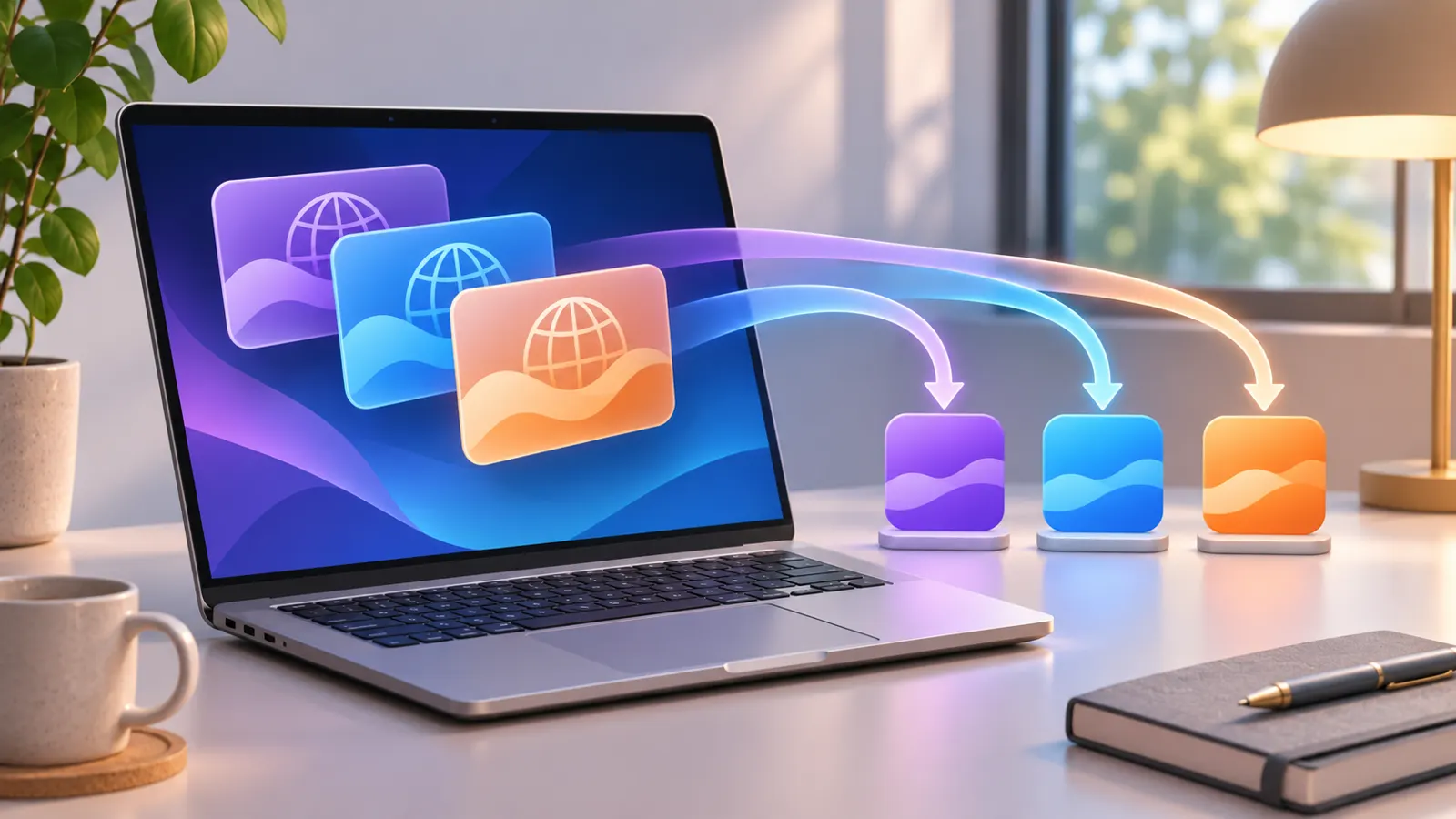
Claude Artifacts Can Now Be Installed as Desktop Apps
Key Takeaways
- Anthropic announced on 24 November 2026 that Claude artifacts can now be installed as standalone Mac and Windows desktop apps via a new Install as app feature.
- The feature is rolling out in beta on all plans, for Claude for Mac and Claude for Windows.
- An installed artifact gets its own icon and opens in its own window instead of inside Claude, and it can use Claude and the user's connectors.
- Installed apps can send notifications and add menu-bar or system-tray items, and they update automatically when the underlying artifact is edited.
- There are three permission tiers: Default, which is browser-level only; App permissions, for always-on-top windows, global shortcuts and notifications; and Full computer access, which can run programs and read, change or delete files without asking each time.
- Full computer access can only be given to apps the user made, or, on Team and Enterprise plans, to apps made in their organisation.
- Anthropic states that it does not review apps before installation, so users should only give full access to apps they trust.
- Installed apps require an internet connection and an active Claude sign-in to open, and Claude Docs, Slides and Sheets artifacts cannot be installed.
- HIPAA-ready organisations and hybrid deployments are excluded, and on Enterprise the feature is off until an owner enables it, while on Team it is on by default with full access off.
- The minimum app version, 6.28899.0, is reported by a secondary source only and has not been independently verified here.
What Anthropic Announced
Anthropic has turned Claude artifacts into desktop apps. On 24 November 2026, the company announced that artifacts — the interactive outputs Claude creates, such as tools, charts, web pages and visualisations — can now be installed as standalone Mac and Windows desktop apps, using a new feature called Install as app. The feature is rolling out in beta on all plans, for Claude for Mac and Claude for Windows.
The announcement is short, but its implications are large. Until now, an artifact lived inside Claude. You opened Claude, you asked for a tool or a visualisation, Claude created it as an artifact, and you used it in the Claude window. If you wanted to use it again, you went back to Claude and found it. Now, Anthropic says, you can take that artifact out of Claude and put it on your desktop, with its own icon, in its own window, like any other app. You describe what you want to Claude, you try it as an artifact, and then you click Install as app. You do not have to package it or sign it, and it uses your Claude account, so there is no API key and no separate login.
That is a significant change in what an artifact is. Anthropic's own announcement puts it this way: artifacts started out as a work output you would share, like a chart or a web page. Now they can be something you use every day, as an app in its own right. The examples Anthropic gives show the range it has in mind. People at Anthropic have used the feature to make Linnet, a full layered image editor; Phosphor, a file manager that looks made for a movie set; and Sift, which sets up folder rules and uses Claude to keep files organised. Those are not simple charts. They are working tools, built by describing what was wanted to Claude, and then installed as apps.
The feature is in beta, which means it is still being tested and may change. It is rolling out on all plans, which means it is not limited to paying users, though the practical limits of each plan — including usage limits — will still apply. And it is available on Mac and Windows, which covers the two main desktop platforms, but not, at this stage, mobile or Linux. Those are the basic facts. The rest of this article explains what installed apps can do, what they cannot do, what permissions they need, and what the limits and risks are.
What an Installed Artifact Actually Is
An installed artifact is not a traditional desktop app in the usual sense. It is not a program that you download, install, and run independently of the service that created it. It is an artifact — a piece of interactive content created by Claude — that has been given a desktop presence. It gets its own icon. It opens in its own window, instead of inside Claude. It can be shared with others. It can use Claude and your connectors. And it updates automatically when the underlying artifact is edited.
Each of those features deserves a closer look. The own icon and own window matter because they change how the artifact feels to use. An artifact inside Claude is one tab among many, in a chat window. An artifact in its own window is a tool in its own right, with its own place on the desktop, its own place in the dock or taskbar, and its own presence when you switch between apps. That is a small change in technical terms, but a large change in how a tool is experienced. A tool that has its own window is a tool you can return to, leave open, and treat as part of your workflow, rather than as a momentary output of a conversation.
The ability to use Claude and your connectors matters because it means the installed app is not a static copy. It is a live tool that can call on Claude to do work, and that can connect to the services you have connected to Claude. A file manager built as an artifact, for example, can use Claude to organise files. A tool that works with email or a calendar can use the connectors you have set up. The app is, in effect, a front end for Claude, shaped into a specific tool for a specific job.
The automatic updating matters because it means the app does not go out of date. When the underlying artifact is edited — when you ask Claude to change it, add a feature, or fix a problem — the installed app updates automatically. You do not need to reinstall it, download a new version, or check for updates. That is convenient, but it also has a security implication, which is discussed below: a permission you gave to one version of an app does not automatically carry over to the next version.
Sharing matters because it means an app you build is not only for you. You can share it with others, and they can install it too. That turns a personal tool into something that can be passed around a team, a family, or a community. It also raises the question of trust: if you install an app someone else made, how do you know what it does, and what it can access? Anthropic's answer to that question is the permission system, and the warning that it does not review apps before installation.
What Installed Apps Can Do
Installed apps can do more than an artifact inside Claude can do, and the extra capabilities are the point of the feature. According to Anthropic, installed apps can send notifications, and they can add items to the Mac menu bar or the Windows system tray. Those are small features, but they are the features that make an app feel like a part of the operating system rather than a web page. A notification can tell you when a task is done. A menu-bar item can give you quick access to a tool without opening a window. A system-tray item can keep a tool running in the background, ready when you need it.
The examples Anthropic gives show what those capabilities can be used for. A menu-bar app for checking system performance, for example, would sit in the menu bar and give you information at a glance, without you having to open Claude and ask for it. A file manager that uses Claude to keep your files organised would work in the background, applying rules you set up, and notifying you when it has done something. An image editor would open in its own window, with its own tools, and would feel like a dedicated application rather than a chat output.
The apps can also use Claude itself, which means they can do AI work on your behalf. A tool that organises files can ask Claude to decide where a file should go. A tool that manages a calendar can ask Claude to draft a message or summarise a meeting. A tool that works with documents can ask Claude to edit, summarise, or analyse them. The requests the app makes to Claude count toward your plan's usage limits, which means an app that uses Claude heavily will use up your allowance more quickly. That is an important practical point: an installed app is not free to run, in usage terms, simply because it is installed. It is still Claude, working through a different interface.
The apps can also, with permission, interact with the computer in ways that a browser-based artifact cannot. That is where the three permission tiers come in, and they are the most important part of the announcement to understand before installing anything.
The Three Permission Tiers
Anthropic has created three levels of permission for installed apps, and the level you choose determines what the app can do on your computer. The three tiers are Default, App permissions, and Full computer access. They escalate from the narrowest to the broadest, and the broadest should be given only with care.
Default is the narrowest tier. Installed apps at this level can only do what they would be able to do in a browser. That means they can display information, accept input, and use Claude and your connectors, but they cannot do anything that a web page cannot do. They cannot run programs on your computer. They cannot read, change, or delete your files. They cannot listen for global keyboard shortcuts, create always-on-top windows, or send notifications. Default is the safe starting point, and it is the right choice for most apps, most of the time.
App permissions is the middle tier. Apps at this level can ask to use common features that Claude can tightly control, such as creating always-on-top windows, listening for global shortcuts, or sending notifications. These are features that make an app more useful as a desktop tool — a window that stays on top while you work in another app, a keyboard shortcut that works even when the app is not in focus, a notification that tells you something has happened — but they are features that Anthropic says it can control tightly. They do not give the app access to your files, and they do not let it run programs. They give it access to a defined set of desktop features, under Claude's control.
Full computer access is the broadest tier, and it is the one that needs the most care. Apps with full computer access can ask to run programs and to read, change, or delete your files without asking each time. That is a very broad power. An app with full access could, in principle, delete files, change files, or run any program on your computer, without asking you again. Anthropic is explicit about this, and it is explicit about the restriction that applies: you can only give full access to apps you made, or, on Team and Enterprise plans, to apps made by people in your organisation. You cannot give full access to an app made by a stranger, or by someone outside your organisation. That restriction is a safeguard, but it is not a guarantee. An app you made could still do something you did not intend, if it was built by Claude in a way you did not fully understand, or if it was later edited in a way that changed what it does.
There is one more safeguard that applies to all three tiers, and it is important. Your permission only covers the current version of the app, so Claude asks again after every update, even your own edits. That means that if you edit an artifact, and the installed app updates automatically, the permission you gave before does not automatically carry over. Claude will ask you again. That is inconvenient, but it is a deliberate protection against a changed app doing something you did not agree to. It means that the automatic updating, which is convenient, does not become a way for an app to quietly gain new powers.
Team and Enterprise administrators can turn app permissions and full access on or off for their organisation. That gives an organisation control over whether its members can install apps with broader powers, and it is part of the reason the feature is off by default on Enterprise, as discussed below.
The Warning That Matters Most
Anthropic states that it does not review apps before installation. That sentence, in the announcement, is short and easy to miss. It is also the most important warning in the whole feature. It means that when you install an app made by someone else, no one at Anthropic has checked what it does. No one has verified that it does only what it claims to do. No one has checked whether it tries to access files, run programs, or send information somewhere it should not. The app could be exactly what it appears to be, or it could be something else entirely, and Anthropic will not have checked.
Anthropic's own advice follows from that: only give full access to apps you trust. That advice is worth taking seriously, and it is worth extending. Only give full access to apps you made yourself, and that you understand. Be cautious about apps made by others, even if they come from someone you know, and even if they look useful. An app that asks for full computer access is asking for the power to run programs and to read, change, or delete your files without asking each time. That is a power that should be given rarely, and only to an app whose code and behaviour you understand.
The restriction that full access can only be given to apps you made, or to apps made in your organisation, is a partial protection. It means you cannot give full access to a random app from the internet. But it does not protect you from an app you made that does something you did not intend, or from an app made by a colleague that you have not examined. The permission system is a tool for managing risk, not a guarantee of safety. The ultimate safeguard is the user's own judgement, and Anthropic is clear that the responsibility for that judgement rests with the user.
This is not a reason to avoid the feature. It is a reason to use it thoughtfully. Install apps at the Default level first. Grant App permissions only when the app needs them for a specific feature, such as notifications or a global shortcut. Grant Full computer access only to an app you built yourself, for a specific purpose, and only after you understand what it will do. And remember that Claude will ask again after every update, which is a chance to reconsider whether the app should still have the access you gave it.
How to Install an App
The process, as Anthropic describes it, is deliberately simple. Describe your app to Claude. Try it as an artifact. Then click Install as app. You do not have to package it or sign it, and it uses your Claude account, so there is no API key and no separate login. To install, update Claude for Mac or Windows, open an artifact you use every day, and choose Install as app from the Share menu.
That simplicity is part of the point. Anthropic is trying to make app creation accessible to people who cannot code, or who do not want to. The traditional route to building a desktop app involves learning a programming language, learning a framework, packaging the app, signing it, and distributing it. The Install as app route removes all of that. You describe what you want in words, Claude builds it as an artifact, you try it, and you install it. The packaging and signing are handled by Anthropic. The login is your Claude account. The distribution is a share link.
That simplicity also has a consequence. Because it is easy to build an app, it will be easy to build many apps, and many of them will be built by people who do not fully understand what they have built. That is not a criticism of those people. It is a fact about the technology. A person who asks Claude to build a file manager may not understand the code Claude wrote, or the permissions the app will need, or the risks of giving it full computer access. The ease of creation therefore needs to be matched by care in installation, and by the permission system that Anthropic has built.
The requirement to update Claude for Mac or Windows before installing is a practical point. The feature is new, and it requires a recent version of the Claude desktop app. The minimum app version, 6.28899.0, is reported by a secondary source only, and it has not been independently verified here, so it should be treated as a guide rather than as a confirmed requirement. The practical advice is simpler: make sure Claude for Mac or Windows is up to date, and look for Install as app in the Share menu of an artifact. If it is not there, the feature may not yet have rolled out to you, or your app may not yet be updated.
What Installed Apps Cannot Do
The limits of the feature are as important as its capabilities, and Anthropic sets them out clearly. The first limit is that you need to be online and signed in to Claude to open an app. That means an installed artifact is not a fully independent desktop app. It depends on Claude, and it depends on an internet connection. If you are offline, you cannot open it. If you are signed out of Claude, you cannot open it. That is a significant limitation for a desktop app, because desktop apps are often expected to work offline, and to work without a sign-in. An app that requires both is, in that sense, less independent than a traditional app, and users who expect it to work like one will be disappointed.
The second limit is that some artifacts cannot be installed. Claude Docs, Slides and Sheets artifacts cannot be installed as apps. Those are the document, presentation and spreadsheet artifacts, and they remain inside Claude. The reason is not set out in the announcement, but the practical effect is clear: not every artifact can become an app, and the ones that can are the interactive tools and visualisations, rather than the documents.
The third limit concerns organisations. HIPAA-ready organisations and hybrid deployments cannot use the feature at all. That is a compliance decision, and it reflects the fact that a feature that lets apps run programs and access files raises particular concerns in a healthcare context, where patient data is protected. On Team plans, the feature is on by default, with full access off. On Enterprise plans, it is off until an owner turns it on. That means an Enterprise user may not see the feature at all, unless their organisation's owner has enabled it. It also means that an organisation can decide, as a matter of policy, whether its members should be able to install apps, and with what permissions.
The fourth limit is usage. Requests the app makes to Claude count toward your plan's usage limits. That means an app that uses Claude heavily — for example, a file organiser that asks Claude to categorise every file, or a tool that asks Claude to analyse documents — will use up your allowance. Users on plans with lower limits may find that an installed app consumes their allowance more quickly than they expect, especially if the app runs in the background or is used frequently.
Who This Is For, and Who Should Wait
The Install as app feature is, in the first instance, for people who already use Claude artifacts every day, and who have a tool they return to again and again. If you have built an artifact that you use daily — a dashboard, a tracker, a small tool for a specific task — then installing it as an app makes sense. It gives that tool its own window, its own icon, and a place in your workflow. It turns a Claude output into a part of your desktop.
It is also for people who want a specific tool that does not exist, or that exists only as a bloated app with features they do not need. Anthropic's announcement makes this point explicitly: rather than downloading another productivity app, or paying for software packed with features you rarely use, you can describe what you need to Claude and build a personalised application. That is a compelling idea, especially for small, specific tasks — a tool that does one thing, well, for you, rather than a general-purpose app that does many things poorly.
It is less obviously for people who need a reliable, offline, independent app, or who need to share an app widely with people they do not know. The requirement for an internet connection and a Claude sign-in means the app is not independent. The lack of review before installation means sharing an app with strangers carries risk. And the beta status means the feature may change, and may have bugs or limitations that have not yet been discovered.
Organisations should think carefully before enabling it. On Team, it is on by default, with full access off, which is a cautious starting point. On Enterprise, it is off until an owner enables it, which gives the organisation a choice. An organisation that enables it should consider whether to allow App permissions and Full computer access, and should give its members guidance on when to grant those permissions. An organisation that deals with sensitive data, or that has strict security policies, may decide to leave it off, or to allow only the Default tier.
Individual users should also think about what they install, and from whom. An app you build yourself is one thing. An app built by a colleague in your organisation is another. An app shared by someone you do not know is a third, and it should be treated with caution. The permission system helps, but it does not replace judgement.
The Bigger Picture: From Chatbot to App Platform
The Install as app feature is a step in a larger shift. Claude began as a chatbot: you asked a question, it gave an answer. Artifacts turned it into a maker of things: you asked for a tool, it built one, and you used it in the chat. Install as app turns it into a platform for desktop apps: you ask for a tool, it builds one, and you install it as an app in its own right. Each step moves Claude further from a conversation and closer to a workspace, and further from a tool you visit and closer to a tool you live in.
That shift has implications beyond Anthropic. If users can build their own desktop apps by describing them to Claude, then the market for small, single-purpose apps may change. A user who needs a specific tool — a tracker for a hobby, a dashboard for a project, a small utility for a repeated task — may no longer need to search for an app, pay for it, and learn it. They may simply ask Claude to build it. That does not mean traditional apps will disappear. It means that the long tail of small, personal tools, which were never worth building as commercial products, may now be built by the people who need them, for themselves.
It also has implications for how we think about software. A traditional app is a fixed product, built by a developer, distributed to users, and updated on the developer's schedule. An artifact app is a fluid product, built by an AI from a description, edited by asking for changes, and updated automatically when the artifact is edited. The user is not just a consumer of software. They are, in a limited but real sense, its author. That is a new relationship between a user and their tools, and it is one that will take time to understand.
Our earlier reporting on Claude's coding and review features is relevant here, because it shows how Claude is already being used to write, review and approve code, and how that capability is extending from the chat into the desktop. Read our article on Claude's ship, review and approve workflow and our explanation of Claude Opus 5.5 guidance for that context. The Install as app feature is, in a sense, the next step in that story: not just using Claude to write code, but using Claude to build the apps you use every day.
What Happens Next
The feature is rolling out in beta, which means it is still early. The first question is how widely and how quickly it reaches users. A beta rollout on all plans suggests a broad release, but beta features are often rolled out gradually, and some users may not see Install as app immediately. If you do not see it, the first step is to update Claude for Mac or Windows, and to check the Share menu of an artifact. If it is still not there, the feature may not yet have reached you.
The second question is what people will build with it. Anthropic's examples — an image editor, a file manager, a folder organiser, a menu-bar system monitor — suggest a range of personal productivity tools. But users will build other things, and some of them will be surprising. The history of platforms suggests that the most interesting uses are rarely the ones the platform's creators imagined. What matters is not what Anthropic expects people to build, but what they actually build, and whether those apps are useful, safe, and worth sharing.
The third question is about safety. Will users grant full computer access to apps they should not trust? Will an app be shared that does something harmful? Will the permission system, and the re-prompting after every update, be enough to prevent mistakes? Those questions will be answered by experience, and by the first incidents, if any occur. Anthropic's warning — that it does not review apps, and that users should only give full access to apps they trust — suggests that the company is aware of the risk, and is placing the responsibility on users. Whether that is enough remains to be seen.
The fourth question is about the limits. Will Anthropic remove the requirement for an internet connection and a Claude sign-in? Will it allow Docs, Slides and Sheets artifacts to be installed? Will it extend the feature to HIPAA-ready organisations, or to other platforms? Those are decisions for the future, and they will depend on how the beta performs, and on what users ask for.
For now, the feature is available, in beta, on Mac and Windows, on all plans, with three permission tiers and a clear warning. It is a significant step for Claude, and for the idea that an AI assistant can build the tools you use every day. Whether it becomes a core part of how people work, or a curiosity that few use, will depend on what people build with it, and on whether they trust it enough to install what they build.
For the primary source, see Anthropic's announcement on claude.com.
What We Could Not Verify
- The minimum app version, 6.28899.0, for Claude for Mac or Windows to use Install as app. This is reported by a secondary source only and has not been independently verified here.
- How widely and how quickly the beta rollout will reach users on each plan, and whether any users will not see the Install as app option even after updating Claude.
- The accuracy and completeness of the examples Anthropic gives, including Linnet, Phosphor and Sift, beyond the descriptions in Anthropic's announcement.
- How the permission system will work in practice for shared apps, including how users will judge whether an app made by someone else is trustworthy, and how often users will grant Full computer access.
- Whether Anthropic will remove or relax the requirements for an internet connection and an active Claude sign-in, or extend the feature to Claude Docs, Slides and Sheets artifacts, HIPAA-ready organisations, or hybrid deployments.
- How usage limits will be affected in practice by installed apps that make frequent requests to Claude, including for users on plans with lower limits.
- What apps users will actually build with the feature, and whether any safety incidents will arise from apps that were installed without review.