Is Janitor AI Down Right Now? Check & Fix Fast
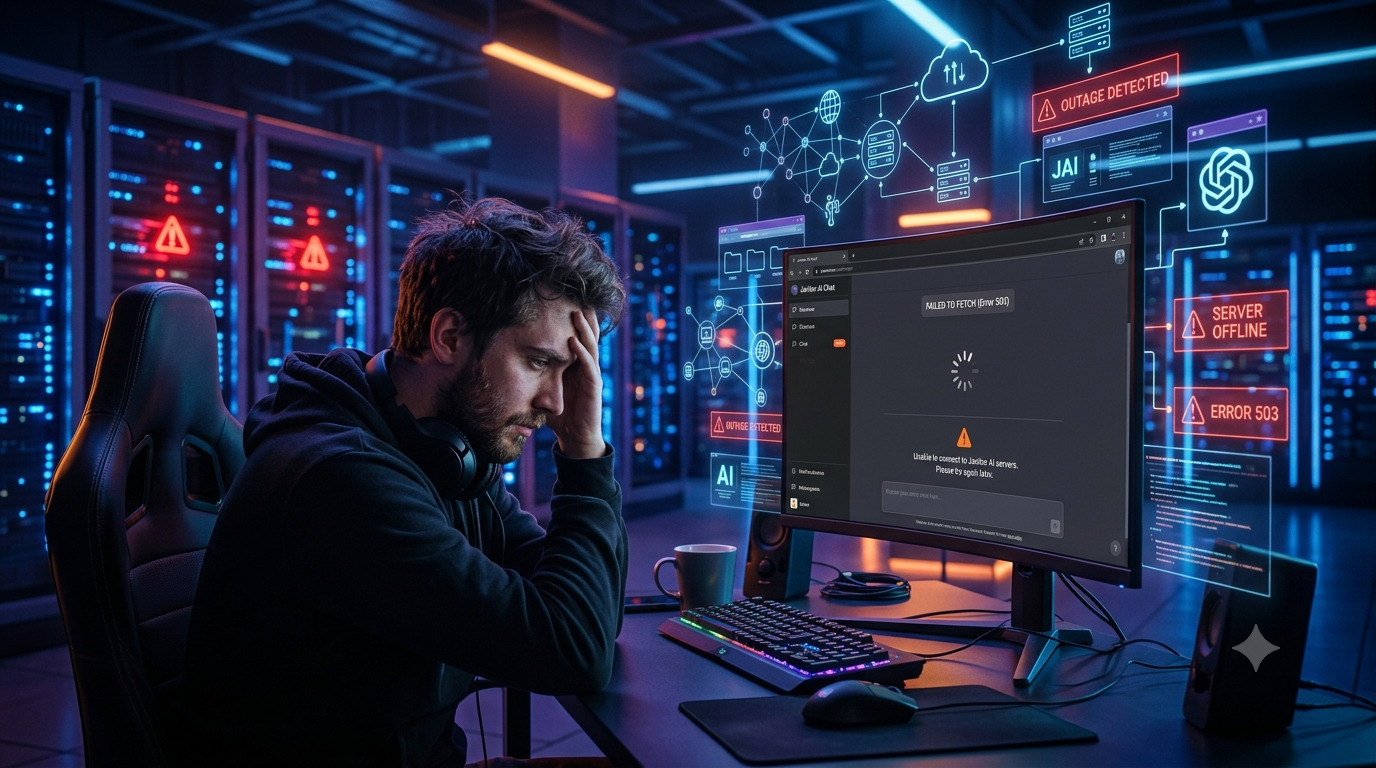
Is Janitor AI down right now? Check the live status, fix “failed to fetch” & login errors in minutes, and see the best alternatives if it’s still offline.In most cases, Janitor AI is not fully down. Short outages happen, but they are usually brief and tied to server overload or maintenance. The problem is often local to your browser or network instead.
Here is the one rule that saves you time. Open the official status page at status.janitorai.com. If it shows an active incident, the issue is on Janitor AI’s side and you just have to wait. If it says “All Systems Operational” but the site still fails for you, the problem is on your end and you can fix it in minutes.
One more thing to calm the panic: your chat history, your characters, and your premium access do not get deleted during an outage. That data lives on Janitor AI’s servers, not in your browser. A temporary outage never wipes your account.
How to Check Janitor AI Status in 60 Seconds
Before you change any settings, confirm whether the platform is actually down. Run these four checks in order.
- Check the official status page. Go to status.janitorai.com. It shows one of three states: “All Systems Operational” (servers are fine), “Degraded Performance” (slow or partial failures), or “Partial/Major Outage” (a confirmed problem). Click the Events tab to see recent incidents and how fast they were fixed.
- Use third-party monitors. Sites like StatusGator, Downdetector, Host-Tracker, and IsItDownRightNow track Janitor AI from many locations. They update every few minutes and don’t rely on Janitor AI reporting itself.
- Check Reddit and X. The r/JanitorAI_Official subreddit and the @janitorai_ account on X light up within seconds of a real outage. Search “down” or “not working” filtered to the last hour. This is your fastest early warning.
- Open janitorai.com directly. If nothing loads at all, that points to a wider outage. If the homepage loads but chats fail, it is likely a partial outage in the API layer, not the whole site.
Is Janitor AI Down for Everyone or Just You?
This is the most important question, because a global outage and a local glitch look identical from your screen but need opposite fixes. Use this quick table to decide.
| What you see | Likely cause | What to do |
|---|---|---|
| Status page shows an incident | Global outage | Wait it out |
| Status green, others report no issues | Local (browser or network) | Troubleshoot below |
| Status green, Reddit is quiet | Almost certainly local | Troubleshoot below |
| Status green, Reddit is erupting | Status page is lagging | Recheck in 15 minutes |
A fast way to test this yourself: open Janitor AI on your phone using mobile data instead of Wi-Fi. If it works on the phone but not your desktop, the problem is your desktop’s browser or home network.
Common Reasons Janitor AI Is Not Working
If the status page is green but you are still stuck, one of these is usually the reason.
Server overload and peak hours. Janitor AI has a huge user base. During evenings, weekends, or right after a viral post, traffic spikes and servers slow down. You might see failed messages or replies that cut off. This usually clears on its own within minutes.
Scheduled maintenance. The team sometimes takes systems offline to push updates or fix bugs. These windows are short and are posted on the status page.
Backend or API failure. Janitor AI depends on AI model providers to generate replies. If an upstream provider hiccups, it turns into errors for users even when the website itself loads fine.
Proxy issues. Many users run Janitor AI through a proxy or their own API key instead of the built-in JLLM model. If you use OpenAI, DeepSeek, Chutes, or KoboldAI and that provider is down or misconfigured, your chats break while the platform is perfectly healthy.
CDN or regional problems. A content delivery network node can fail in one region. That means users in one country see downtime while everyone else is fine.
Local browser or network. Corrupted cache, a bad extension, a VPN routing through a blocked region, or a shaky connection can all mimic a full outage.
Janitor AI Error Messages Explained
Different error messages point to different fixes. Match your error to this table and go straight to the solution.
| Error message | What it means | Quick fix |
|---|---|---|
| Failed to fetch | Your browser could not reach the API, from a server issue or a local network drop | Check the status page, clear cache, switch network |
| Internal server error | A backend failure on Janitor AI’s side | Wait 10 to 15 minutes and refresh |
| Login failed | A session, cookie, or auth problem | Clear cookies, log in again, try incognito |
| Network error | The connection dropped mid-request | Restart your router, try mobile data |
| Failed to fetch (Chutes or Kobold) | Your proxy provider is down or set up wrong | Switch proxy, recheck your API key, or try JLLM |
| Error 1015 / rate limited | Cloudflare is throttling too many requests | Slow down, turn off your VPN, wait a bit |
| 502 or 503 | The server is temporarily unavailable | Wait; this one is on Janitor AI’s side |
The takeaway: “failed to fetch” and proxy errors are often fixable on your end, while internal server errors, 502, and 503 mean you simply wait.
How to Fix Janitor AI When It Is Not Loading
If the status page shows everything healthy but the site still won’t work for you, run these fixes in order. They are listed by how often they succeed.
- Clear your cache and cookies. This solves the most local issues. In Chrome, press Ctrl+Shift+Delete (Cmd+Shift+Delete on Mac), set the range to “All time,” check cached images and cookies, clear, then reload janitorai.com. Old cached data is a top cause of “failed to fetch” and login loops.
- Try a different browser or incognito. Switch from Chrome to Firefox or Edge, or open a private window. Incognito disables extensions that may block the site. This tells you fast if the issue is browser-specific.
- Turn your VPN and extensions off or on. Disable your VPN and ad blocker and retry. If you are in a region that restricts AI platforms, do the reverse and turn a VPN on to route around the block.
- Restart your network. Unplug your router for 30 seconds and plug it back in. If Wi-Fi is unstable, switch to mobile data to test.
- Recheck your API key and credits. If you get in but chats fail, open your settings and confirm your key is valid, has credits left, and has no extra spaces. For OpenAI or DeepSeek, log in to the provider and check your usage and billing.
- Wait it out. During a confirmed outage there is nothing to fix on your side. Most incidents clear in 30 to 60 minutes. Refreshing over and over does not speed it up.
Janitor AI Down on the App vs the Website
Sometimes the mobile app fails while the desktop site works, or the other way around. To tell them apart, open janitorai.com in a phone browser instead of the app. If the browser version loads but the app does not, the app or its cache is the problem, so clear the app data or reinstall it. If both fail on the same network, test on mobile data. When it breaks across every device and network, it is a real outage, not a device issue.
How Long Do Janitor AI Outages Last?
Most Janitor AI outages are short. Based on the incident history on the status page, the majority resolve within 30 minutes to 2 hours, and many clear in under an hour. Outages that drag past 4 hours are uncommon and usually involve infrastructure or a third-party provider. Downtime is most likely during peak hours: weekday evenings, weekends, and right after a viral moment drives a traffic surge. To avoid refreshing endlessly, subscribe to email alerts on the official status page and you will be notified the moment service is restored.
Best Janitor AI Alternatives When It Is Down
If you need to keep chatting while Janitor AI is offline, these are worth bookmarking. Compare them on what matters to you. For deeper picks, see our roundup of the best AI tools to use in 2026 (free and paid).
| Alternative | Content freedom | Cost | Stability | Account needed |
|---|---|---|---|---|
| Character AI | Restrictive | Free and paid | High | Yes |
| Perchance AI | High | Free | Medium | No |
| Crushon AI | High | Free and paid | Medium to high | Yes |
| Chai AI | Medium | Free and paid | High | Yes |
| SillyTavern (Tavern AI) | Very high | Free (self-host) | Depends on setup | No |
Character AI is the most stable mainstream pick but stricter on content. Perchance AI is a lightweight option that needs no account. Crushon AI and SillyTavern give you more freedom, with SillyTavern requiring a bit of setup since you run it yourself. We put each of these through hands-on testing in our honest AI tool reviews if you want the full breakdown before you switch.
Frequently Asked Questions
Is Janitor AI down right now?
Usually not fully. Check status.janitorai.com. If it shows an incident, wait. If it reads “All Systems Operational” and the site still fails, the issue is local and fixable in minutes.
Why is Janitor AI not working today?
The common causes are server overload, maintenance, backend or API failures, proxy problems, or a local browser or network issue. If only your account is affected, clear your cache and check your API key.
Is Janitor AI down for everyone or just me?
If the status page is green and Reddit and X are quiet, the problem is almost certainly on your device, browser, or network. Test on another device or on mobile data to confirm.
Why do I see “failed to fetch” or “login failed”?
“Failed to fetch” means your browser could not reach the API, from either a server issue or a dropped connection. “Login failed” is usually a cookie or session problem. Check the status page first, then clear your cache and cookies.
Can I lose my chat history if Janitor AI is down?
No. Your chats and account data are stored on Janitor AI’s servers, not in your browser. An outage does not delete them. Still, it is smart to copy or screenshot chats you really care about.
How long do Janitor AI outages usually last?
Most clear within 30 minutes to 2 hours. Outages longer than 4 hours are rare and usually involve infrastructure or a third-party provider.
What causes the internal server error?
It points to a problem on Janitor AI’s servers, not your device, often from server overload or a backend failure. Waiting a few minutes and reloading usually fixes it.
Is Janitor AI permanently down or shut down?
No. Every recorded outage has been temporary. A permanent shutdown would be announced officially, not happen silently. The status page shows the current state.
How do I get notified when it is back up?
On the official status page you can subscribe to incident alerts by email, so you do not have to keep refreshing.
Final Thoughts
Most of the time, “is Janitor AI down” turns out to be a short outage or a local glitch you can clear in a couple of minutes. Start with the status page, decide if it is global or just you, then work through the fixes above. Bookmark this page so you can run the checklist next time you hit a blank screen, and keep one alternative handy so a bad hour never stops your chat.
For more hands-on guides, tool tests, and AI news, explore the rest of aiera.blog — including our AI tool reviews and AI basics for productivity.