How to Test an AI Video Workflow Before You Buy Credits
A practical evaluation framework for creators and small teams.
An AI video workflow test should answer one question before any credits are bought: can this tool produce a usable clip from your own brief after a reasonable number of revisions?
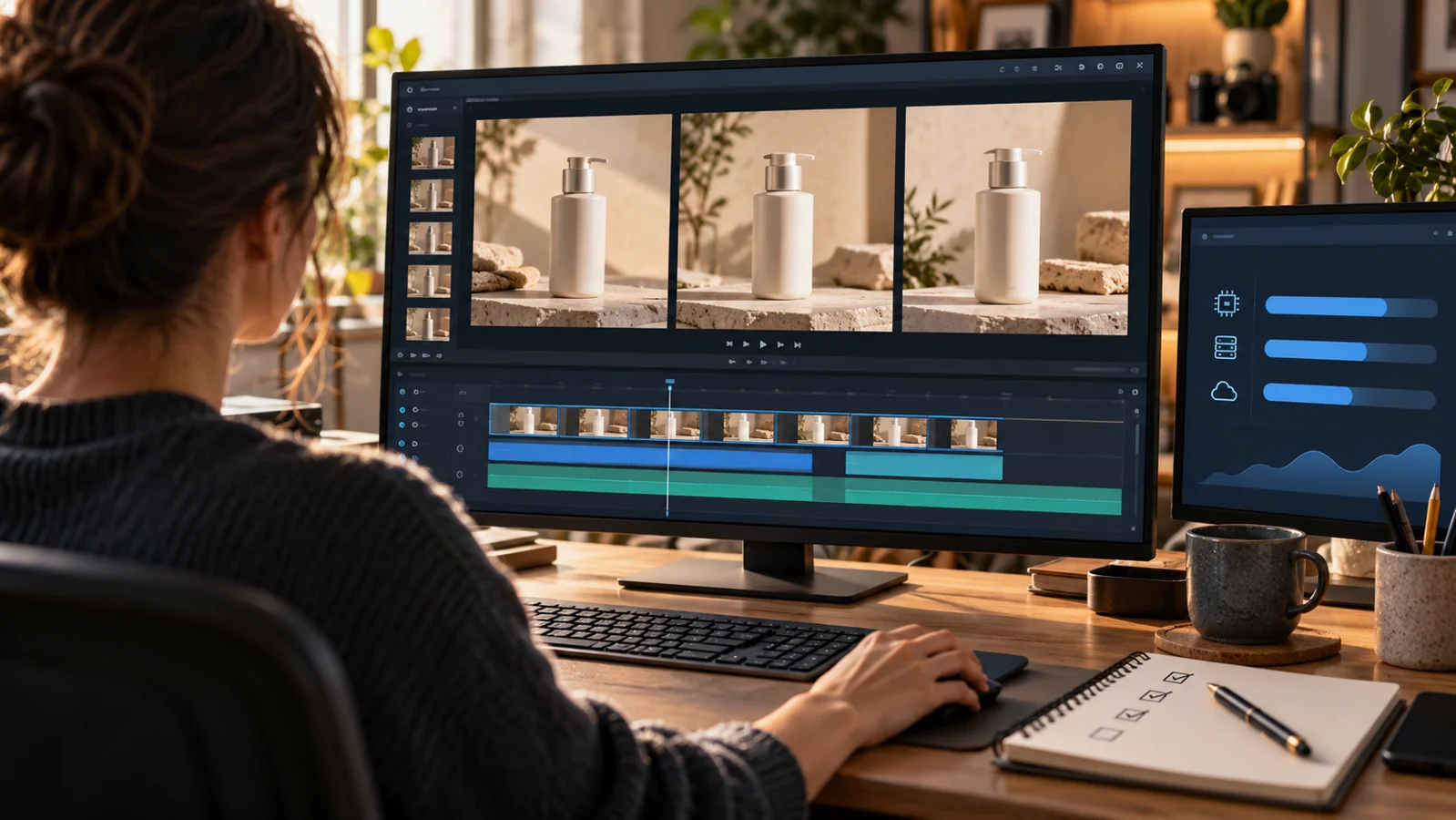
A demanding action frame makes camera and subject consistency easier to judge.
The useful question about an AI video tool is not whether its best demo looks impressive. It is whether the tool can produce a usable clip from your own brief after a reasonable number of revisions. A controlled test makes that decision visible before a team buys a larger credit pack.
Define the job you need to buy
Start with the deliverable that would actually leave the building. A social agency may need a vertical product hook that survives a brand review. A small retailer may need a talking product explainer. A video editor may need a short continuation that fits existing footage. Each task stresses a different part of the model, so a broad prompt such as a cinematic city at night does not tell you whether the tool is suitable.
Write down the input, the output and the acceptance rule. For example: one product photograph and a five-line shot brief should produce a 15-second vertical clip in which the label remains readable and the camera does not invent a second product. That sentence is already more useful than a generic ranking of model quality.
Use one test brief across every AI video workflow tool
Run the same brief on every platform and keep the references, aspect ratio and export settings fixed. The test should create enough motion to reveal failure without turning into a visual effects sequence. A product turntable, a character walking through one room or a camera move across a table can expose continuity problems quickly and remains easy to score.
| Test task | Input | Pass condition | Failure signal |
|---|---|---|---|
| Product hook | Clean packshot and lighting reference | Product shape, label and color remain stable | Logo changes or package geometry drifts |
| Character action | One face and wardrobe reference | Identity and clothing survive the camera move | Face or outfit changes between moments |
| Dialogue scene | Portrait plus short spoken script | Mouth movement follows the supplied audio | Speech timing and expression feel detached |
| Clip continuation | A short original video | Next action follows the final frame | Motion repeats or the scene jumps |
Score the outputs against observable evidence rather than a general impression. A clip can be atmospheric and still fail the brief if the product is wrong. Record the number of generations needed to reach an acceptable edit. A tool that looks strong on the first frame but needs six repairs may be more expensive than a less flashy option that passes in two attempts.
Read the AI video workflow credit model before the test
The Seedance pricing page gives the variables needed to estimate a trial. It states that every account receives 35 free credits per day, that text and image generation is billed on output seconds, and that video-input jobs bill input and output seconds together. It also says failed generations are not charged and purchased credits do not expire. Those rules let a team compare the cost of a controlled test with the cost of a production batch.
Build a simple budget from usable output. If a 10-second clip usually needs three attempts, the relevant unit is 30 generated seconds plus the reviewer’s time. Add the cost of any later edit. The price of one successful click does not describe the workflow. The number that matters is the cost of an approved clip that can be published.
Control AI video workflow prompt quality during the comparison
A weak prompt can make a capable model look inconsistent. Use the same shot hierarchy each time: subject, action, camera, environment, light and fixed details. Remove contradictory adjectives and describe a visible outcome. A useful Seedance prompts guide can provide a starting structure, but the final prompt should reflect your own product and review criteria.
Keep a revision log with one change per attempt. If a prompt adds a reference image and changes the lens at the same time, the reviewer cannot tell which change helped. This discipline also creates a reusable production recipe after the purchase decision. The team ends the trial with more than a verdict; it has a prompt and reference pattern that can be repeated.
Review the hidden editing work
Watch each clip once for the first impression, then review it frame by frame at the seams. Check whether movement continues in the expected direction, whether lighting changes abruptly, and whether text or logos remain stable. Listen for audio problems separately. If the clip needs a new transition, a replacement hand or a repaired label, include that work in the comparison.
Test export as well. Confirm the expected aspect ratio, resolution and file format before committing to a batch. A tool can produce a convincing preview and still create an awkward handoff if cropping or compression changes the result. The approval gate should use the same file the editor or publisher will receive.
Make the buying decision from evidence
A credible purchase decision names the task, the number of usable outputs, the credit cost and the remaining manual work. It also names the tasks the tool should not own yet. That boundary is especially important for video, where one model may handle a product atmosphere shot well while another task still needs a conventional edit or a different workflow.
Buy credits when the evidence shows a repeatable path from approved input to approved output. Do not buy them because a showcase reel is impressive. A small, fixed benchmark turns a subjective tool review into a production decision the team can defend — and that is what a good AI video workflow test is for.
For a closer look at one tool in this category, see our Seedance AI review: features, pricing and how it works and Doubao Seedance 1.0 Pro Fast: price and speed.