Kling AI: What It Is, How It Works, Features, Models, and Uses in 2026
Kling AI is a generative AI platform developed by Kuaishou for creating and editing videos and images with artificial intelligence.
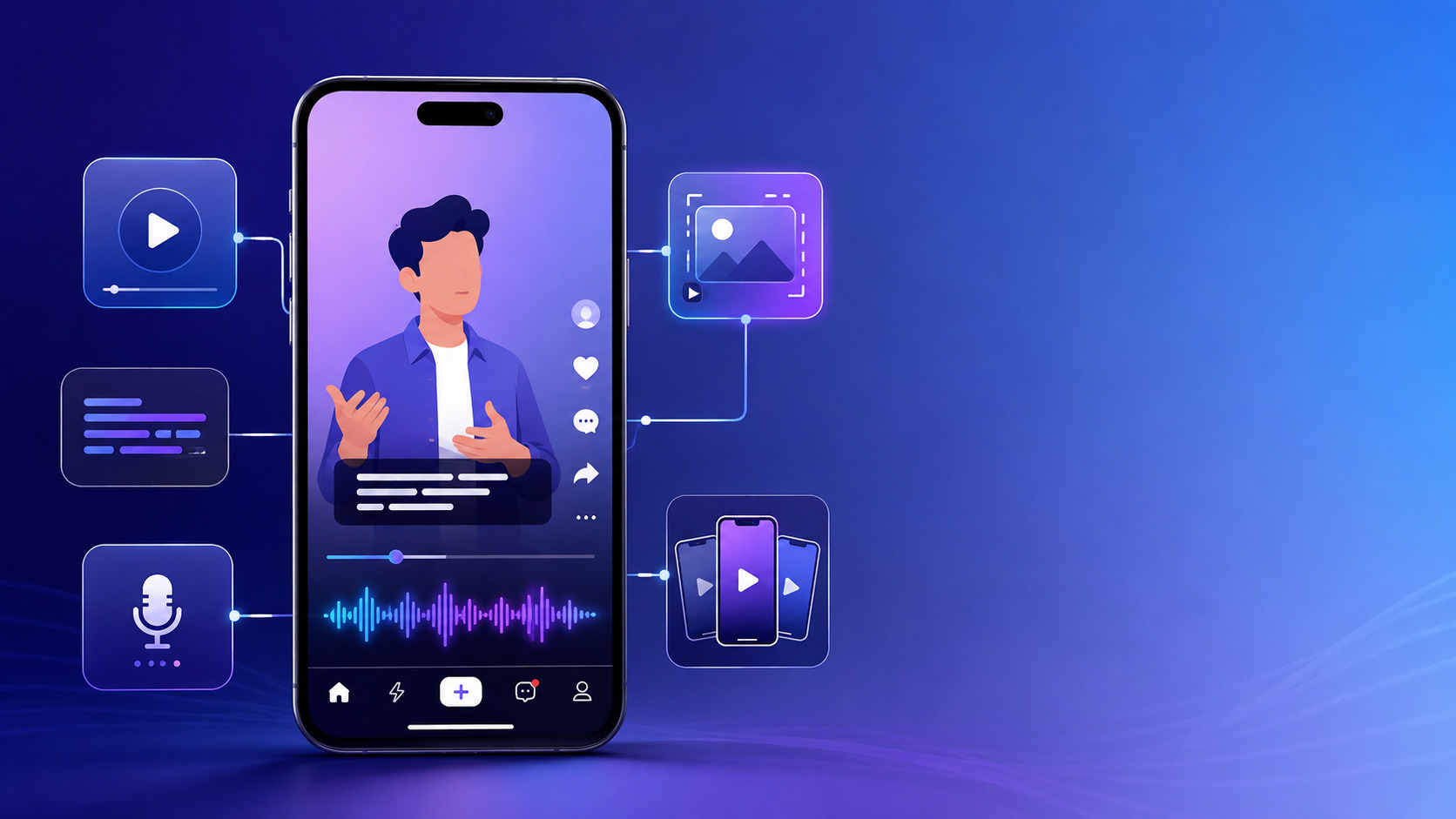
It started mainly as an AI video generation tool, but the platform has expanded significantly. By 2026, Kling AI includes text-to-video, image-to-video, image generation, multimodal editing, storyboard control, native audio generation, and professional video features.
Kuaishou launched the Kling AI 3.0 model series in February 2026, covering Video 3.0, Video 3.0 Omni, Image 3.0, and Image 3.0 Omni. The company says the series combines text, image, audio, and video inputs and outputs in a more unified workflow. Kuaishou Technology
For creators, marketers, filmmakers, ecommerce teams, and social media professionals, Kling AI can reduce the time required to turn an idea into visual content.
However, it is not perfect. Generated videos can still contain inconsistencies, unwanted motion, visual mistakes, or results that differ from the prompt.
This guide explains what Kling AI is, how it works, its main models, features, practical uses, and limitations.
What Is Kling AI?
Kling AI is a generative AI platform created by Kuaishou Technology.
It is designed to create and edit visual content using artificial intelligence.
The platform can work with different types of input, including:
- Text prompts
- Images
- Video references
- Subjects
- Audio
- Multimodal combinations
Users can create new video clips from text, animate a still image, modify an existing video, or create visual content using references.
Kuaishou has positioned Kling AI as a broader content-creation system rather than just a simple text-to-video generator. Kuaishou Technology
How Does Kling AI Work?
Kling AI uses generative AI models trained to understand relationships between language, images, movement, scenes, and sound.
The user provides an instruction, reference, or combination of inputs.
The model then generates visual content based on that information.
A simple workflow might look like this:
- Enter a text prompt.
- Choose a model.
- Select generation settings.
- Generate the video.
- Review the result.
- Adjust the prompt or references.
- Generate another version if needed.
More advanced workflows can include images, subjects, existing clips, camera instructions, and audio.
Kling AI Models in 2026
Kling AI has evolved through several major model generations.
Understanding the differences is useful because not every version offers the same capabilities.
Kling AI 3.0
Kling AI 3.0 is the major model series introduced in February 2026.
The lineup includes:
- Kling Video 3.0
- Kling Video 3.0 Omni
- Kling Image 3.0
- Kling Image 3.0 Omni
Kuaishou describes the 3.0 series as an All-in-One framework supporting multimodal inputs and outputs across text, image, audio, and video. Kuaishou Technology
The company says the models improve:
- Subject consistency
- Prompt understanding
- Narrative control
- Video quality
- Storyboarding
- Shot control
- Audio generation
Kling AI 3.0 also supports video generation of up to 15 seconds, according to Kuaishou’s launch announcement. Kuaishou Technology
Kling AI 3.0 Omni
The Omni version is built around multimodal generation.
Instead of treating text, image, video, and sound as completely separate workflows, it combines them more closely.
This can be useful when a creator wants to provide:
- A character image
- A video reference
- A written description
- Audio information
and use them together.
That gives creators more control than relying on a single text prompt.
Kling O1
Kling O1 was introduced in late 2025.
Kuaishou described it as a unified multimodal video model designed to combine generation, editing, and refinement within one system. Kuaishou Technology
Kling O1 supports inputs including:
- Text
- Video
- Images
- Subjects
Its purpose is to reduce the need to switch between multiple tools during a video creation workflow.
This matters because traditional AI video workflows often involve generating a clip in one tool, editing it in another, and trying to maintain visual consistency throughout the process.
Kling Video 2.6
Kling 2.6 introduced simultaneous audiovisual generation.
According to Kuaishou, the model can generate:
- Voiceovers
- Sound effects
- Ambient audio
- Video
within the same generation process. Kuaishou Technology
This is an important change.
Earlier AI video workflows frequently required users to create the video first and then add sound separately.
Kling 2.6 also introduced motion-control capabilities.
A creator can use movement from an uploaded video or motion library and apply it to a character reference.
Text-to-Video in Kling AI
Text-to-video is one of Kling AI’s core features.
A user writes a description of the desired scene.
For example:
A cinematic drone shot moving over a mountain village at sunrise, light fog between the houses, realistic lighting.
Kling AI interprets the prompt and generates a video.
A useful prompt usually includes more than the main subject.
Consider describing:
- Subject
- Action
- Setting
- Camera movement
- Lighting
- Mood
- Visual style
This gives the model clearer information.
Image-to-Video
Image-to-video allows users to upload a still image and animate it.
For example, a creator might upload an image of a person standing beside a window and ask for:
- Hair movement
- Camera movement
- Facial expression
- Changing light
- Background movement
The AI attempts to turn the still image into a moving scene.
This can be useful for:
- Advertising
- Product videos
- Social media
- Character animation
- Short films
The quality depends heavily on the source image and prompt.
Reference-to-Video
Reference-based generation gives users more control over consistency.
A creator can provide visual references so the model better understands the desired:
- Character
- Clothing
- Object
- Style
- Environment
This is particularly important for longer projects.
Without references, AI-generated characters can change appearance between clips.
Multimodal Video Editing
Kling AI’s newer models are not limited to generating videos from scratch.
Kuaishou says its recent systems combine video understanding, generation, and editing within one workflow. Kuaishou Technology
This can include tasks such as:
- Changing part of a scene
- Replacing elements
- Adjusting visual content
- Extending a generated idea
- Refining an existing clip
This makes Kling AI closer to an AI video production system rather than a basic generator.
Native Audio Generation
Audio is becoming a major part of AI video generation.
Kling AI’s newer models can generate sound along with video.
Depending on the model, this may include:
- Speech
- Environmental sound
- Sound effects
- Ambient audio
Kuaishou says Kling AI 3.0 supports native audio generation across different languages, dialects, and accents. Kuaishou Technology
This can reduce the need for separate audio tools.
Native 4K Video Output
One of the notable updates in 2026 is native 4K output.
Kuaishou said in its second-quarter 2026 financial results that the Kling AI 3.0 series added native 4K video generation. Kuaishou Technology
This feature is particularly relevant for professional work such as:
- Film
- Advertising
- Television
- High-resolution marketing content
Higher resolution does not automatically mean every generated frame will be perfect, though.
Visual consistency and realism still depend on the prompt, model, and scene complexity.
Storyboard and Shot Control
Modern AI video generation is moving beyond single clips.
Kling AI 3.0 includes more flexible storyboard control.
This allows creators to think in terms of multiple scenes or shots instead of one isolated animation.
Shot-level control can help with:
- Camera direction
- Scene changes
- Character placement
- Narrative flow
- Visual continuity
This is especially useful for filmmakers and advertising teams.
Character and Subject Consistency
Consistency is one of the hardest problems in AI video.
A character may look correct in one frame and noticeably different later.
Kling AI’s recent models are designed to improve subject consistency. Kuaishou Technology
Reference images and multimodal inputs can help maintain:
- Face
- Clothing
- Body appearance
- Visual style
- Important objects
Still, creators should inspect every generated clip carefully.
Motion Control
Motion control allows creators to influence how a character moves.
Kling 2.6 introduced a feature that can reference movement from existing video or a motion library. Kuaishou Technology
This can be useful for:
- Dance clips
- Character animation
- Marketing videos
- Performance-based content
A reference image can then provide the visual identity of the character.
Who Can Use Kling AI?
Kling AI can serve different types of creators and businesses.
Content Creators
Creators can generate:
- Short videos
- Social content
- Reels
- Story scenes
- Concept clips
AI video can reduce the cost of testing new ideas.
Marketers
Marketing teams can use Kling AI for:
- Advertising concepts
- Product visuals
- Campaign videos
- Social media creative
- Storyboards
Instead of filming every idea immediately, teams can produce visual concepts first.
Ecommerce Businesses
AI video can turn still product images into more dynamic content.
For example, a brand could create:
- Product demonstrations
- Lifestyle concepts
- Advertising variations
- Short promotional clips
Businesses must still ensure generated content accurately represents the real product.
Filmmakers
Kling AI can help with:
- Previsualization
- Concept development
- Storyboards
- Experimental shots
- Short sequences
Kuaishou specifically identifies film and television among professional sectors using Kling AI. Kuaishou Technology
Animation Creators
Animation and gaming are also important use cases.
Kling AI can help creators test:
- Character movements
- Environments
- Camera angles
- Action scenes
- Visual ideas
The model does not eliminate the need for animation professionals, but it can accelerate early-stage experimentation.
How to Write Better Kling AI Prompts
Better prompts can improve the probability of getting a useful result.
A practical structure is:
Subject + action + location + camera + lighting + style
For example:
A young chef preparing pasta in a modern restaurant kitchen, camera slowly moves from right to left, warm cinematic lighting, realistic commercial style.
This is usually more useful than:
Chef cooking.
The model cannot read the creator’s mind, despite humanity’s ongoing determination to write three-word prompts and then act betrayed by the result.
Add Camera Instructions
Useful camera terms may include:
- Close-up
- Wide shot
- Tracking shot
- Drone shot
- Slow zoom
- Handheld
- Static camera
Do not overload every prompt with five conflicting movements.
One clear camera idea is usually better.
Describe Motion Clearly
Instead of writing:
The woman moves.
write:
The woman slowly walks toward the window and turns her head toward the camera.
This provides a clearer sequence.
Describe Lighting
Lighting strongly affects the visual result.
Examples include:
- Soft daylight
- Golden-hour light
- Dramatic side lighting
- Studio lighting
- Neon night lighting
Use Reference Images When Consistency Matters
If the same character or product needs to appear repeatedly, visual references can be more reliable than text descriptions alone.
Common Problems With Kling AI
Like every AI video generator, Kling AI has limitations.
Character Changes
Faces, clothing, or body details can shift during a video.
References may reduce this problem but may not eliminate it.
Strange Motion
Generated movement can sometimes look physically incorrect.
Examples may include:
- Unnatural walking
- Strange hand movement
- Objects moving unexpectedly
- Incorrect interactions
Text Problems
Generated text inside videos may be inaccurate or distorted.
For logos, product labels, or important written information, manual editing may still be necessary.
Prompt Misunderstanding
Complex prompts can lead to incorrect interpretation.
If this happens, simplify the instruction and generate again.
Generation Is Not Fully Predictable
Running the same prompt several times can produce different results.
This can be useful creatively, but frustrating when exact consistency is required.
Kling AI for Professional Work
Kling AI is increasingly aimed at professional users.
Kuaishou reports use cases across:
- Marketing
- Ecommerce
- Film
- Television
- Animation
- Gaming
- Short-form drama
The company also introduced a Team Plan supporting collaboration for up to 15 members. Kuaishou Technology
This makes the platform more relevant for agencies and production teams.
Is Kling AI Free?
Kling AI has historically offered free credits alongside paid subscription options.
However, current international pricing, credit limits, model availability, and plan benefits can change.
Kuaishou previously described a credit-based system where users received Inspiration Credits and paid plans offered additional usage. Kuaishou Technology
Because pricing changes over time and can differ by region, check the current official Kling AI pricing page before purchasing.
Using an article from last year to choose an AI subscription is basically asking outdated screenshots to manage your finances.
Kling AI vs Traditional Video Production
AI generation and traditional filming solve different problems.
| Area | Kling AI | Traditional Production |
|---|---|---|
| Speed | Fast concept generation | Usually slower |
| Physical filming | Not required for generated scenes | Required |
| Creative experimentation | Very flexible | Can be expensive |
| Exact control | Limited by model | High |
| Consistency | Can vary | Usually stronger |
| Real product accuracy | Must be checked | Easier to control |
| Large crews | Often unnecessary | Sometimes required |
| Generated scenes | Major strength | Requires VFX or filming |
Kling AI can reduce production effort, but it does not automatically replace traditional production.
Often, the best workflow combines both.
Kling AI vs Other AI Video Tools
Kling AI competes in a rapidly changing AI video market.
Different platforms may focus on different strengths such as:
- Realism
- Prompt control
- Character consistency
- Audio
- Editing
- Speed
- Cost
The best tool depends on the project.
A creator making social clips may have different requirements from a studio producing advertising concepts.
Instead of choosing based only on viral examples, test tools with your actual workflow.
Privacy and Uploaded Content
AI video platforms may require users to upload:
- Images
- Videos
- Faces
- Product assets
- Client material
This means privacy matters.
Before uploading confidential files, review the current platform terms and privacy policy.
Pay particular attention to:
- Storage
- Retention
- Data use
- Deletion options
- Commercial rights
- Uploaded client material
Do not upload sensitive client assets simply because an upload button exists. Software interfaces have never been famous for stopping people from making questionable decisions.
Copyright and Commercial Use
AI-generated video introduces copyright and licensing questions.
Users should check:
- Rights to uploaded images
- Rights to reference footage
- Commercial-use terms
- Platform licensing conditions
Do not use copyrighted material or another person’s likeness without considering the necessary rights and permissions.
Commercial terms can change, so current Kling AI terms should be reviewed before professional publication.
How to Get Better Results With Kling AI
A practical workflow can improve efficiency.
Step 1: Define One Clear Goal
Decide what the clip actually needs to accomplish.
For example:
Create a 10-second cinematic product introduction.
That is clearer than trying to produce an entire advertisement in one generation.
Step 2: Write a Structured Prompt
Include:
- Main subject
- Action
- Environment
- Camera
- Lighting
- Style
Step 3: Add References
Use image or video references when visual consistency matters.
Step 4: Generate a Draft
Treat the first generation as a draft.
Do not expect perfection.
Step 5: Review Frame by Frame
Check:
- Face
- Hands
- Motion
- Objects
- Background
- Text
Step 6: Refine
Change only the parts of the prompt causing problems.
Step 7: Finish in an Editor
Professional work may still benefit from:
- Color correction
- Audio mixing
- Titles
- Logos
- Transitions
- Final trimming
AI should speed up the workflow, not eliminate quality control.
Is Kling AI Worth Using in 2026?
Kling AI has become a serious AI video platform rather than a small experimental generator.
Kuaishou reported more than RMB850 million in Kling AI revenue during the second quarter of 2026, which shows substantial commercial adoption. Kuaishou Technology
Its latest models combine video generation, image generation, editing, audio, references, and multimodal inputs.
That makes Kling AI especially relevant for creators who want more control over AI-generated video.
It may be worth exploring for:
- Social media creators
- Marketing teams
- Ecommerce brands
- Filmmakers
- Animators
- Agencies
- AI video experimenters
The main limitation remains predictability.
AI video generation can produce impressive results, but users should expect multiple generations and manual review.
Final Thoughts
Kling AI has developed quickly from an AI video generator into a broader multimodal content-creation platform.
The current Kling AI 3.0 family supports text, images, audio, and video while combining generation and editing in a more unified workflow. Kuaishou has also added features such as native audio, storyboard control, stronger subject consistency, longer clips, and native 4K video output. Kuaishou Technology
For creators, this can make high-quality video experimentation faster and more accessible.
But good results still depend on good prompts, useful references, careful review, and realistic expectations.
Kling AI can generate the pixels. Human judgment still has to decide whether those pixels deserve to escape onto the internet.
Frequently Asked Questions
What is Kling AI?
Kling AI is a generative AI platform developed by Kuaishou for creating and editing videos and images using text, image, video, audio, and other multimodal inputs. Kuaishou Technology
Who owns Kling AI?
Kling AI is developed by Kuaishou Technology.
What is the latest Kling AI model?
Kuaishou launched the Kling AI 3.0 model series in February 2026. It includes Video 3.0, Video 3.0 Omni, Image 3.0, and Image 3.0 Omni. Kuaishou Technology
Can Kling AI create videos from images?
Yes. Kling AI supports image-to-video generation alongside text-to-video and reference-based workflows. Kuaishou Technology
Does Kling AI generate audio?
Yes. Recent Kling models support audiovisual generation. Kling 2.6 introduced simultaneous audio-video generation, while Kling AI 3.0 expanded native audio capabilities. Kuaishou Technology
Does Kling AI support 4K?
Kuaishou announced native 4K video output for its Kling AI 3.0 series during the second quarter of 2026. Kuaishou Technology
How long can Kling AI 3.0 videos be?
Kuaishou says Kling AI 3.0 supports video generation of up to 15 seconds. Kuaishou Technology
Is Kling AI suitable for professional use?
Kuaishou reports adoption across marketing, ecommerce, film, television, animation, gaming, and other professional creative fields. Kuaishou Technology
Sources Consulted
- Kuaishou Technology, Kling AI Launches 3.0 Model, February 5, 2026. Kuaishou Technology
- Kuaishou Technology, Q1 2026 Financial Results. Kuaishou Technology
- Kuaishou Technology, Q2 2026 Interim Results, including native 4K update. Kuaishou Technology
- Kuaishou Technology, Kling O1 Launch Announcement, December 2025. Kuaishou Technology
- Kuaishou Technology, FY2025 Results, including Kling 2.6 and audiovisual generation. Kuaishou Technology
Editorial Transparency Note
Claims requiring final verification: Current subscription prices, credits, regional availability, individual model access, generation limits, and commercial-use terms should be checked on Kling AI’s official service immediately before publication.
Expert review: Not required for this general technology guide.
Methodology disclosure: This article was prepared using Kuaishou’s official announcements and financial disclosures. It does not claim personal hands-on testing of Kling AI.