Best AI Note Takers in 2026: Otter, Notion AI, Fireflies, Granola and More
Meetings, lectures and phone calls produce more notes than most of us can keep up with. The best AI note takers solve that problem by recording audio, turning it into a written transcript and pulling out the main points for you.
Instead of typing while someone talks, you can listen, take part in the discussion and review a clear summary afterwards. In this guide we compare the best AI note takers in 2026, including Otter, Notion AI, Fireflies and Granola, so you can choose the one that fits the way you work.
What Is an AI Note Taker?
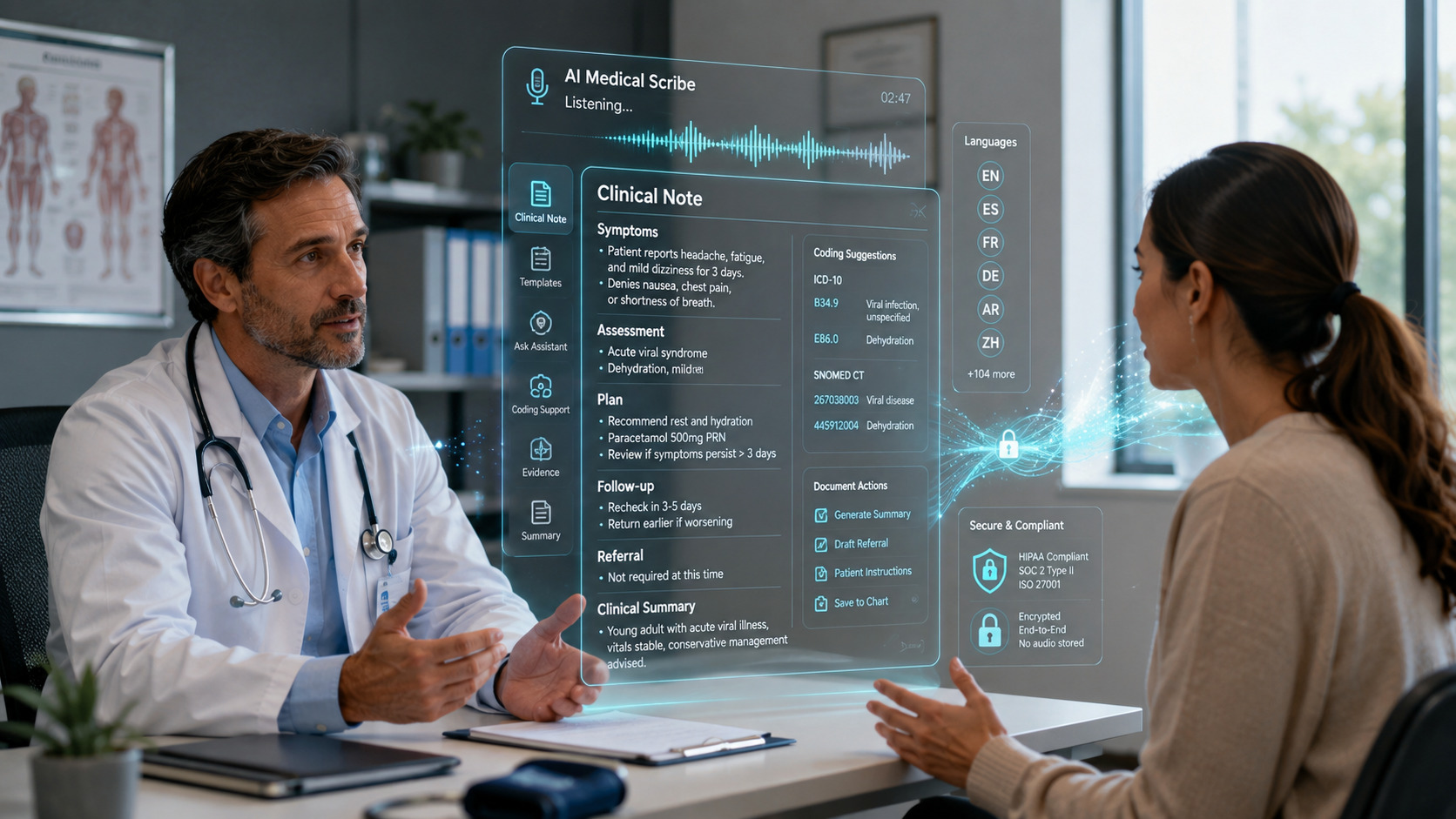
An AI note taker is a tool that uses speech recognition and language models to capture spoken words and turn them into useful written notes. Most of them can join an online meeting, record it, transcribe what each person said and then produce a summary with action items.
Some also work with uploaded audio files or with notes you type yourself. The best AI note takers also let you search old meetings, so you can check what was agreed weeks ago.
How to Compare the Best AI Note Takers
Before you compare prices, decide what you actually need. A student who records lectures has different needs from a sales team that reviews dozens of calls a week. The points below are a good checklist for any of the tools in this guide.
- Accuracy of the transcript, especially with different accents and speakers.
- Quality of the summary and whether it lists action items and decisions.
- Which meeting apps it supports, such as Zoom, Google Meet or Microsoft Teams.
- How easy it is to search old notes and share them with other people.
- Privacy controls, including who can see your recordings and how long they are kept.
- Price, and whether a free plan covers the number of meetings you have each month.
Otter AI
Otter AI is one of the best AI note takers for people who spend a lot of time in online meetings. It can join Zoom, Google Meet and Microsoft Teams calls, transcribe the conversation in real time and produce a summary with the main points and action items.
The transcript identifies different speakers, which makes it easier to follow a long discussion, and you can search across all of your past meetings from one place. Otter also offers a free plan with a monthly allowance of transcription minutes, which is enough to test it properly. You can check the current plans on the official Otter website. For a closer look at its features, read our Otter AI review.
Notion AI
Notion AI takes a different approach. Instead of focusing only on meetings, it works inside Notion, the workspace where many people already keep notes, documents and project plans. You can ask it to summarise a page of notes, turn rough bullet points into a clean document or pull out action items from a set of notes.
This makes it a good fit if your notes live in Notion already and you want help writing and organising them, rather than a tool that records calls. If you want one of the best AI note takers for written notes rather than recordings, Notion AI is a strong choice. Read our Notion AI review for a full look at what it can and cannot do.
Fireflies AI
Fireflies AI is one of the best AI note takers for teams that run a lot of meetings and want a reliable record of each one. It joins calls on Zoom, Google Meet, Microsoft Teams and several other platforms, then provides a transcript, a summary and a searchable library of past conversations.
One of its most useful features is the ability to search for a topic or a phrase across every meeting you have recorded, which helps when you need to check what was agreed weeks ago. Fireflies also offers a free plan for individuals, so you can try the core features before deciding on a paid plan. See our Fireflies AI review for more detail on its features and limits.
Granola
Granola is one of the best AI note takers for people who take a lot of one to one calls. It does not need a bot to join your meeting. It records audio on your own device, transcribes it and then combines the transcript with the notes you typed during the call.
This approach appeals to people who find meeting bots intrusive or who work in calls where a bot is not welcome. Its summaries are clear and easy to share, and it also offers a free plan, so you can test it on a few real calls before you commit. Our Granola AI review explains how it works and who it suits best.
Other AI Note Takers Worth a Look
The four tools above are the strongest all round choices, but a few others are worth knowing about. Microsoft 365 Copilot can summarise meetings inside Teams and help with notes across Word and Outlook, which suits workplaces that already use Microsoft tools.
For students, the note taking features inside tools such as Notion and the recording features on many phones can be enough for lectures and revision. If you are studying, our guide to AI for students has more ideas on using AI tools for study without losing the learning itself.
How to Choose the Right AI Note Taker for You
The best AI note takers are the tools that match your routine, not the ones with the longest feature list. If most of your notes come from video calls, choose a tool that joins meetings and records them well, such as Otter or Fireflies.
If you already keep your notes in a workspace app, Notion AI may save you more time. If you dislike meeting bots, try Granola. Next, check the free plan. Make sure it covers your usual number of meetings per month and that the transcript quality is good with the accents you hear most often.
A Short Note on Privacy
AI note takers record conversations, so privacy matters. Before you record a meeting, tell the other people that you are recording and why. Check the tool’s settings to see who can access your recordings, how long they are stored and whether you can delete them.
Avoid recording sensitive personal or financial details unless you need to, and be careful about sharing summaries outside your team. Our guide on 5 things to never tell ChatGPT covers the same idea for chatbots, and the same caution applies to anything you say in a recorded meeting.
The Bottom Line
The best AI note takers in 2026 can save you hours each week, but only if you pick the right one for your work. Otter and Fireflies are strong choices for frequent online meetings, Notion AI is best if your notes already live in Notion, and Granola is a good option if you prefer not to use a meeting bot. Try the free plan of one or two tools on real meetings, compare the summaries they produce and then choose. Good notes should help you remember what was decided and what happens next, and the right AI note taker makes that easy.