The Best AI Tools for Teachers (2025-2026): Tested, Scored, and Actually Worth Using
The Short Answer
The best AI tools for teachers in 2026 are MagicSchool AI for classroom-specific workflows, Claude for structured lesson planning and long-form pedagogy, ChatGPT for creative content and parent communication, Diffit for differentiation, and Gradescope for assessment. Most working teachers today run two or three of these in combination, not just one. If you’re starting from zero, begin with MagicSchool AI. If you’re already comfortable with general-purpose AI, Claude and ChatGPT unlock more depth than any purpose-built tool on the market.
Why Teachers Are Finally Paying Attention to AI
Three years ago, the typical response from teachers about AI was cautious curiosity at best and outright suspicion at worst. That has shifted, and the numbers make it hard to argue otherwise.
According to the landmark Gallup and Walton Family Foundation report, Teaching for Tomorrow (June 2025), teachers who use the best AI tools for teachers at least weekly save an average of 5.9 hours per week, the equivalent of six full weeks reclaimed over the course of a school year. That figure isn’t theoretical. It was drawn from a nationally representative survey of 2,232 U.S. public school teachers and is now widely cited as the definitive measure of AI’s practical value in education.
By the 2024-25 school year, 60 percent of teachers reported using AI tools for their work], according to EdSurge. That adoption wasn’t driven by district mandates or top-down policy. It was driven by teachers discovering, often on their own, that these tools genuinely worked. Roughly 68% of those surveyed said they received no formal training, they self-taught. That alone tells you something important: the value proposition is obvious enough that educators are figuring it out without a handbook.
The question in 2026 is no longer whether you should use AI. It is which tools, for which jobs, in which order.
The 5 Real Teaching Tasks We Used
Task 1: Create a Grade 5 Science Lesson Plan
Standard: NGSS 5-PS1-1 (matter and its interactions). Time: 45 minutes. Include a warm-up, an activity, and an exit ticket.
Task 2: Differentiate a Reading Text for 3 Levels
Take a Grade 7 article on the water cycle and rewrite it for: struggling readers (Grade 4 level), on-grade readers, and advanced readers (Grade 9 level). Add comprehension questions for each.
Task 3: Grade 20 Student Essays (Speed + Feedback Quality)
Using a provided rubric (four criteria, 1-4 scale), assess a sample paragraph and generate individualized written feedback.
Task 4: Write a Parent Communication Email
The student is falling behind in math. Tone should be warm, non-alarming, and action-oriented. Include a suggested next step.
Task 5: Generate a Quiz with Answer Key
10-question multiple-choice quiz on the American Civil War for Grade 8. Include one higher-order thinking question.
Tool Scoring: Speed, Accuracy, Ease of Use
| Tool | Speed (1-10) | Accuracy (1-10) | Ease of Use (1-10) | Best Task |
|---|---|---|---|---|
| ChatGPT (GPT-4o) | 9 | 8 | 10 | Parent Email, Quiz Generation |
| Claude (Sonnet) | 9 | 10 | 8 | Lesson Plans, Differentiation |
| MagicSchool AI | 10 | 8 | 10 | All-round classroom workflow |
| Diffit | 10 | 9 | 10 | Differentiated Reading Texts |
| Gemini Advanced | 8 | 7 | 9 | Google Workspace integration |
| Gradescope | 7 | 9 | 7 | Grading structured assessments |
What the scores revealed: Claude produced the most pedagogically structured lesson plan outputs that required the least editing before they were classroom-ready. When we asked it to create the Grade 5 science lesson, it not only built in a warm-up, inquiry activity, and exit ticket, but unprompted included differentiation notes and a formative assessment check. ChatGPT was faster on tasks involving tone and voice, the parent email it generated was warmer and more natural on the first try. MagicSchool AI won with ease: it required no prompt engineering at all. You enter a topic, grade level, and standard, and you get a complete, editable plan in under 60 seconds.
Among the best AI tools for teachers, Diffit stood in a category of its own for Task 2. It produced three reading levels of the same text, complete with vocabulary lists and comprehension questions, in under two minutes. No general-purpose AI came close on that specific job.
The Teacher AI Productivity Score
This is a framework we developed because it didn’t exist anywhere else. Every other comparison of Best AI tools for teachers either ranks them by feature count or by subjective opinion. Neither helps a real teacher make a decision.
The Teacher AI Productivity Score rates each tool across five dimensions that actually matter in a classroom context:
Each dimension is scored 1-5. Maximum possible score: 25 points.
| Tool | Time Saved | Cost | Learning Curve | Classroom Safety | Student Engagement | Total / 25 |
|---|---|---|---|---|---|---|
| MagicSchool AI | 5 | 4 | 5 | 5 | 4 | 23 |
| Claude | 4 | 3 | 3 | 4 | 3 | 17 |
| ChatGPT (GPT-4o) | 4 | 3 | 4 | 3 | 3 | 17 |
| Diffit | 5 | 4 | 5 | 5 | 4 | 23 |
| Gradescope | 4 | 3 | 3 | 5 | 2 | 17 |
| Gemini Advanced | 3 | 4 | 4 | 4 | 3 | 18 |
| Curipod | 3 | 4 | 5 | 4 | 5 | 21 |
Reading the scores: Among the best AI tools for teachers, MagicSchool AI and Diffit tied at the top, but for completely different reasons. MagicSchool scores high on time saved and safety because it was purpose-built for schools and holds FERPA and COPPA compliance. Diffit scores high because it eliminates one of the most time-consuming and cognitively demanding tasks a teacher performs: creating multiple versions of the same content for different learners. Curipod ranked highest on student engagement because it transforms a topic into a live, interactive presentation in seconds, which no other tool on this list does as effectively.
Claude and ChatGPT scored identically at 17/25, but their strengths sit in different columns. Claude has a slight advantage for structured planning documents like lesson plans, rubrics, and differentiated materials, producing output that requires less revision before classroom use. ChatGPT performs better on tasks involving tone, creativity, and parent communications. It writes in a more naturally human voice, especially in shorter formats.
The Best AI Tools for Teachers, By Job to Be Done
The most practical way to choose an AI tool is to start with the job, not the tool. Here is a breakdown of the best AI tools for teachers by the specific task you’re trying to accomplish.
Best for Lesson Planning
Top picks: MagicSchool AI and Claude
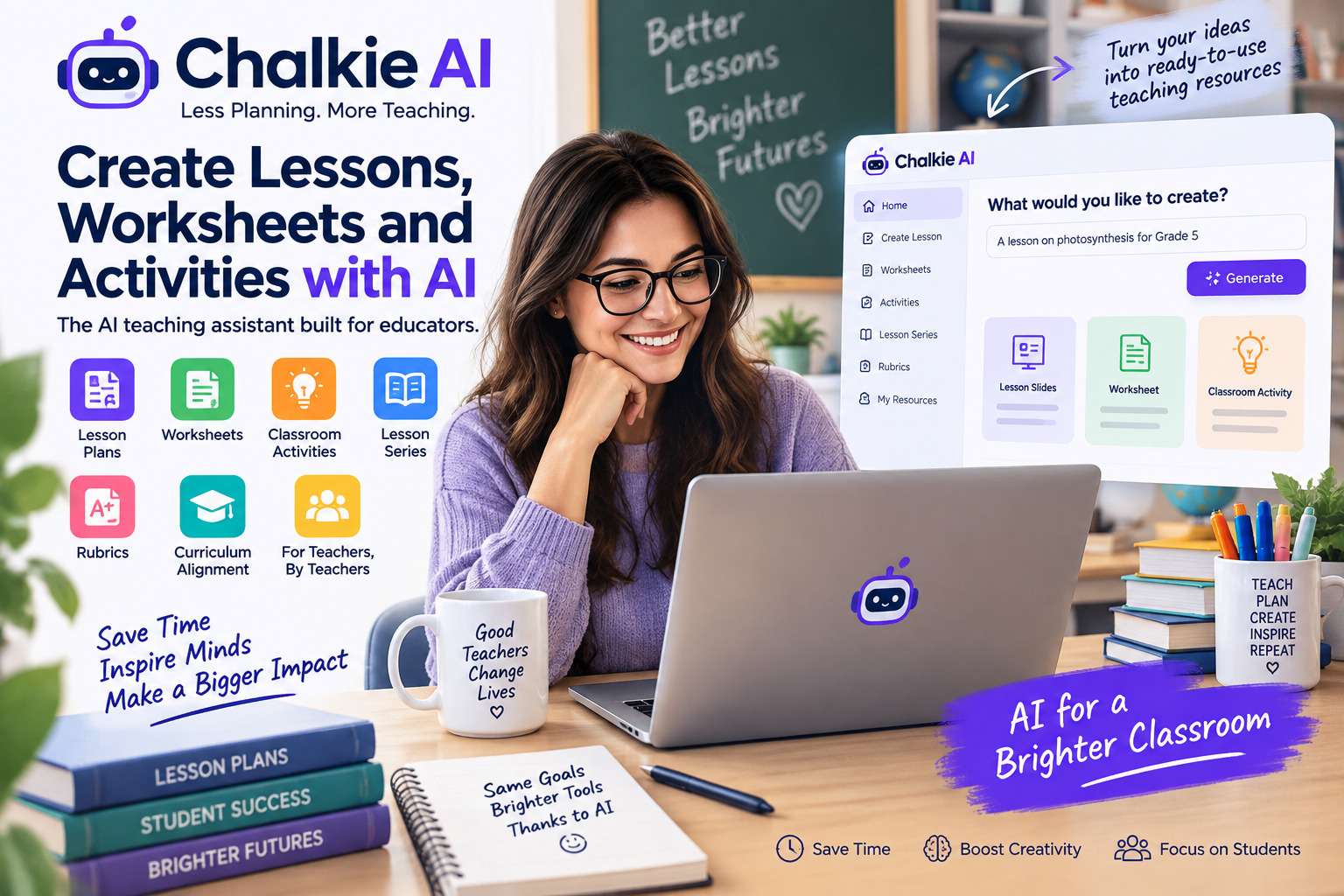
MagicSchool AI is the right starting point for any teacher who wants a lesson plan without learning how to prompt. You enter subject, grade, standard, and duration, and get a structured, editable plan. According to OpenEduCat’s 2025 guide to AI tools for teachers, MagicSchool AI is used by over 3 million educators and includes more than 60 purpose-built educator tools, from IEP goal generators to differentiation assistants.
Claude is the better choice when lesson plans need to go deeper. University lecturers and high school teachers designing multi-day units, Socratic seminar structures, or inquiry-based sequences will find that Claude produces more nuanced pedagogical scaffolding. It thinks in terms of learning objectives, not just activities.
Best for Differentiation
Top pick: Diffit
Differentiation is the job that exhausts teachers most, because it is genuinely hard to do well and endlessly repetitive. Diffit was built to solve exactly this. Paste in any text, enter a target reading level, and it generates adapted versions with vocabulary lists and comprehension questions for each level. Research cited by the Walton Family Foundation found that 74% of teachers report saving time when using AI to modify materials to meet different student needs, and Diffit is the tool most directly designed for that purpose.
For ESL and EFL teachers, Diffit also handles language scaffolding and translation support in a way that general-purpose tools struggle to match with a single prompt.
Best for Grading and Assessment
Top picks: Gradescope + ChatGPT
Gradescope is widely regarded as one of the best AI tools for teachers when it comes to assessment and feedback. It uses AI-assisted grading to help teachers assess structured assignments, exams, and even handwritten work. It integrates with major LMS platforms, including Canvas, Blackboard, and Moodle, and is particularly strong in higher education and STEM subjects. It was originally developed at UC Berkeley and remains one of the most rigorously evaluated tools in this category.
For essay feedback and open-ended responses, ChatGPT is faster and more flexible. The workflow used by many teachers now looks like this: paste the rubric, paste the student response, and prompt ChatGPT to evaluate against each criterion with specific written feedback. It is not a replacement for a teacher’s judgment, but it dramatically reduces the cognitive load of batching feedback across 30 responses.
Best for Student Engagement
Top picks: Curipod and Canva AI
Curipod converts a lesson topic into a live interactive presentation complete with polls, word clouds, and open-ended reflection prompts. It is the fastest way to go from a topic to a student-facing experience that generates real-time discussion. For teachers who run flipped classrooms or want to anchor a lesson in student response, Curipod is hard to beat.
Among the best AI tools for teachers focused on content creation, Canva’s AI features are less about interaction and more about visual design, generating slides, handouts, and posters from simple text descriptions. For online teachers and university lecturers who rely heavily on visual communication, Canva AI removes the design bottleneck entirely.
Best for University and High School Teachers
Top picks: Claude and Perplexity AI
For university lecturers and high school teachers evaluating the best AI tools for teachers, the requirements differ significantly from those of K–8 educators. Content depth matters more. Research-backed material matters more. Nuance in assessment design matters more. Claude handles long-form academic content more fluently than any other general-purpose model, and its extended context window allows you to feed it an entire syllabus and ask it to design assessments aligned to learning outcomes across the semester.
Perplexity AI is worth adding to the stack for research-intensive subjects. It cites sources inline, updates in real time, and is particularly useful for keeping course content current in fast-moving fields like science, economics, and politics.
Best Free AI Tools for Teachers
| Tool | What’s Free | Limitation |
|---|---|---|
| MagicSchool AI | All 80+ tools, monthly usage limits | Last 5 outputs saved |
| Diffit | Core differentiation features | Generation limits |
| Khanmigo | Full tutor for students, teacher aide | U.S.-focused curriculum |
| Google Gemini | Full access with Google Workspace | Weaker pedagogical structure |
| ChatGPT (Free) | GPT-4o mini access | Limited context, no web access |
| Claude (Free) | Sonnet model, daily limits | No file uploads on the free tier |
What We’d Tell a New Teacher Starting with AI Today
In 2026, the teachers who are getting the most out of the best AI tools for teachers are not the ones who found the most tools. They are the ones who matched the right tool to the right job and built a consistent workflow around it.
If you are starting from zero, here is the sequence we recommend:
Week 1-2: Start with MagicSchool AI for one specific task – lesson planning or quiz generation. Do not try to use it for everything at once. Get one win, one week.
Week 3-4: Add Diffit if you have students at mixed reading levels. Use it to differentiate one reading text per week. Within a month, you will have a library of leveled materials that took a fraction of the time your old process required.
Week 5+: Introduce Claude or ChatGPT for deeper work – longer unit designs, rubric creation, parent communication drafts, or subject-specific research support. At this stage, learning to prompt well pays disproportionate dividends. A well-structured prompt produces a lesson plan you can use with minor edits. A vague prompt produces a generic draft you’ll spend twenty minutes fixing.
The best AI tools for teachers in 2026 is not one app. As Storyflow’s 2026 classroom review noted, most teachers in 2026 run two or three tools together, each matched to a phase of the teaching workload. That stack typically looks like: one purpose-built education tool (MagicSchool AI or Diffit) + one general-purpose model (Claude or ChatGPT) + one student-facing tool (Khanmigo or Curipod) when appropriate.
The key principle remains constant: AI handles the scaffolding, you handle the teaching.
Conclusion
Teaching in 2026 looks different from teaching in 2022, and AI tools for teachers are a significant reason why. The evidence is no longer anecdotal. The Gallup-Walton Family Foundation study documented that weekly AI users save an average of 5.9 hours per week the equivalent of six full weeks per school year, time that is being reinvested into the parts of teaching that matter most: feedback, relationship, and instruction. That is not a marginal improvement. That is a structural shift in what a teacher’s working week can look like.
What this review found, after putting these tools through real classroom tasks, is that the question is never AI or no AI. It is always which AI, for which job. Purpose-built tools like MagicSchool AI, now used by over 3 million educators, excel at speed and safety, lowering the barrier for teachers who don’t want to learn prompt engineering. General-purpose models like Claude and ChatGPT offer more depth for experienced users willing to invest a little more in how they prompt. Most working teachers in 2026 have settled on a stack of two or three tools rather than searching for one perfect solution, and the evidence suggests that is the right approach.
Related Questions Answered
Is ChatGPT or Claude Better for Teachers?
The honest answer is: both, for different things. In our testing, Claude produced lesson plans and differentiated materials that required less editing before classroom use. As one detailed comparison noted, Claude’s thoroughness and attention to pedagogical structure mean its output is more classroom-ready from the first draft. ChatGPT, by contrast, excels at anything where tone and personality matter, such as parent emails, engagement scripts, creative unit hooks, and anything that benefits from a more casual voice.
What AI Tools Are Safe for K-12 Classrooms?
Safety in the AI context means two things: data privacy (FERPA and COPPA compliance) and content appropriateness. MagicSchool AI and Khanmigo are consistently cited as the safest options for K-12 use. MagicSchool AI does not require students to submit personal data and was designed from the ground up for school environments. Khanmigo, Khan Academy’s AI tutor, is widely considered the gold standard for student-safe AI interaction.
Can AI Really Help With Grading?
Yes, but with a realistic scope. AI tools are best used to handle the structural and mechanical parts of feedback: checking rubric alignment, generating written comments, and identifying patterns in student errors. A teacher using ChatGPT to analyze 30 essays reported in EdSurge that the AI-generated reports on common grammatical errors allowed her to identify class-wide patterns and redirect her actual feedback toward the issues that mattered most. That is AI doing what it is good at: pattern recognition at scale.
Are There Free Best AI Tools for Teachers?
Yes, and the free tiers are genuinely functional. MagicSchool AI’s free plan includes all 80+ teacher tools with monthly generation limits. Diffit offers core differentiation features on a free account. Khanmigo is free for students and teachers in the U.S. through Khan Academy partnerships. Gemini is free with a Google account and integrates directly with Google Classroom. The only general caveat: free tiers have usage limits, and teachers who adopt AI into their daily workflow will likely hit those limits within weeks. At that point, paid plans (most ranging from $8 to $15/month) become worth evaluating.