Gemini AI Guide 2026: Features, Models, Plans, Privacy and Limits
Gemini AI is Google’s personal AI assistant and the wider family of models that power many of Google’s AI experiences. In 2026, Gemini is no longer just a chat box. It can work with text, images, files, video, connected apps, research tools and agent-style features, depending on your account, region and plan.
This guide explains what Gemini AI is, what it can do, how Google’s current model and plan structure works, what privacy settings matter, and where the product still has limits. The goal is not to declare it the “best AI” on the internet. That would be wonderfully convenient and mostly meaningless. The useful question is whether Gemini fits the work you actually need to do.
What is Gemini AI?
Gemini is Google’s AI assistant experience across the Gemini web app, mobile apps and an expanding set of Google products. Google also uses the Gemini name for the model family behind many of these experiences.
Google describes Gemini as a personal AI assistant. By 2026, the company has expanded it into a broader platform that includes conversational help, multimodal understanding, Deep Research, connected apps, image and media generation, coding help and more agentic features.
According to Google’s May 2026 I/O update, more than 900 million people across over 230 countries and more than 70 languages were using Gemini monthly at that time.
What can Gemini AI do in 2026?
The exact feature set depends on your device, country, Google account and subscription. In general, Gemini can help with the following:
- Writing and rewriting: draft, summarize, restructure and refine text.
- Research: use Deep Research for longer, source-based reports.
- File analysis: work with uploaded documents and other supported files.
- Image understanding: analyze images and answer questions about visual content.
- Image and media creation: generate images and, on supported plans and features, other media.
- Coding: explain code, generate code and assist with technical problem solving.
- Connected apps: work with selected Google and third-party apps when you grant access.
- Agentic tasks: some newer Gemini experiences can perform multi-step tasks instead of only returning text.
For readers comparing the wider AI market, see Aiera’s Best AI Tools 2026 guide.
Gemini AI models: Flash-Lite, Flash and Pro
Google’s support documentation says Gemini currently offers several model tiers, with names and availability subject to change.
| Model type | Best for | Main trade-off |
|---|---|---|
| Flash-Lite | Fast everyday tasks such as summarizing and brainstorming | Less depth than larger models |
| Flash | General work that needs a balance of speed and reasoning | Not always the strongest option for the hardest tasks |
| Pro | Complex reasoning, coding, math and deeper multimodal work | Can be slower and may have tighter usage limits |
Google also offers adjustable thinking levels in some Gemini experiences. Standard thinking is intended for most prompts, while Extended Thinking is designed for harder problems. Deep Think is available only on certain higher-tier access.
What is Gemini Spark?
Gemini Spark is part of Google’s push toward more agentic AI. Google introduced it as an agent that can help complete tasks in the background and continue working even after you close your laptop, subject to availability.
Google’s July 2026 Gemini update said Spark was expanding globally, although the company also lists regional restrictions. This matters because “available in Gemini” does not always mean “available to every user everywhere.”
Gemini AI plans and usage limits
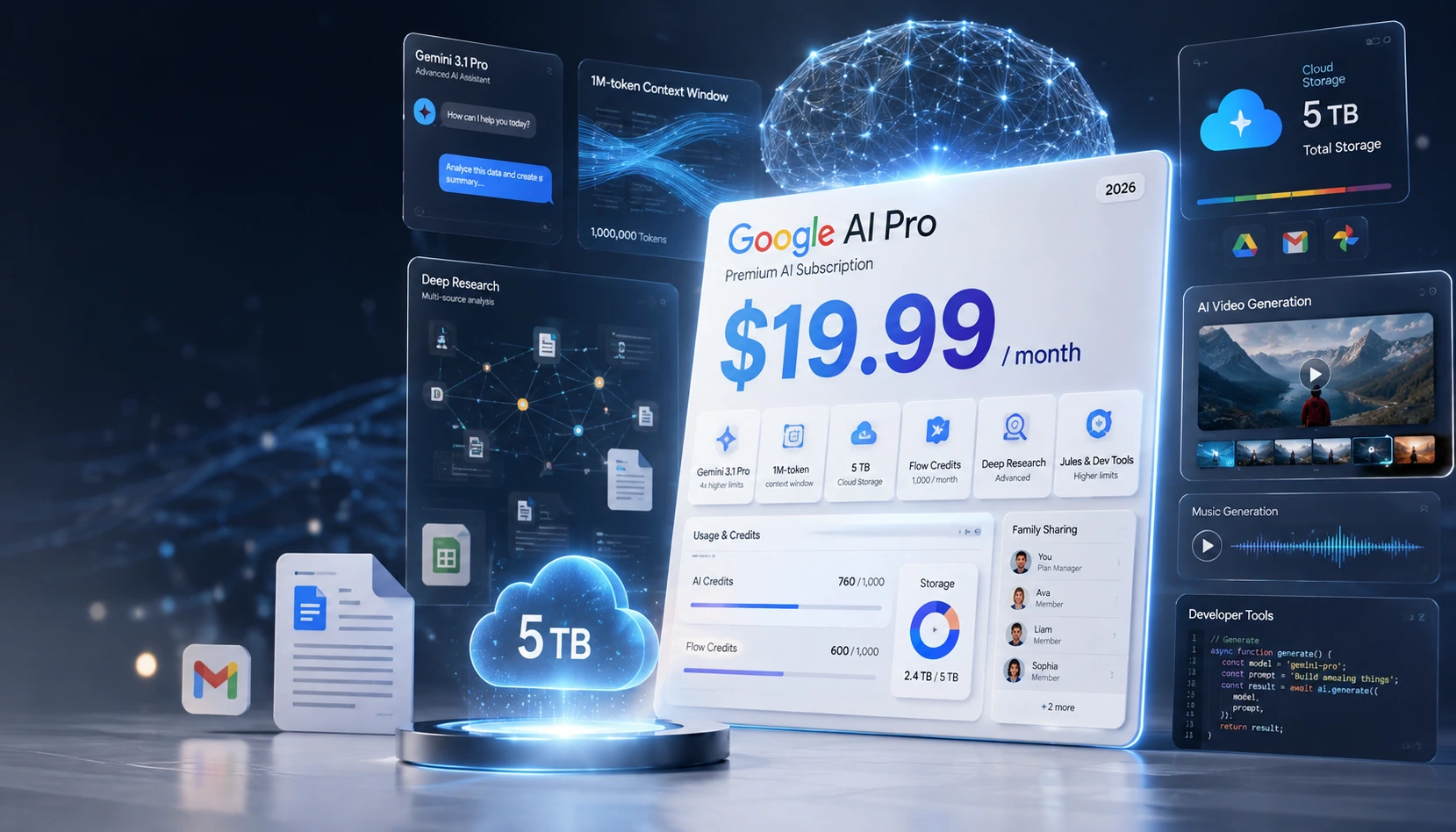
Gemini is available without a paid Google AI plan, but Google also offers paid tiers including AI Plus, AI Pro and AI Ultra. The important difference is not simply whether the model exists. Paid plans generally provide higher usage limits, larger context windows and expanded access to premium features.
Google’s current support page says personal-account limits are compute-based. That means your usage depends on factors such as prompt complexity, model choice, feature usage and conversation length.
Google currently describes the plan structure broadly like this:
- No AI plan: standard limits.
- AI Plus: higher limits than the standard tier.
- AI Pro: further expanded access and larger limits.
- AI Ultra: the highest access level, with some features and reasoning modes reserved for this tier.
Google also states that AI Pro and AI Ultra provide a context window of up to 1 million tokens for supported Gemini app use cases, while lower tiers have smaller context windows.
For a deeper look at Google’s paid AI bundle, read Aiera’s Google AI Pro guide.
Gemini AI and Google apps
One of Gemini’s biggest advantages is its position inside Google’s ecosystem. Google AI plans can provide Gemini features inside products such as Gmail, Docs and other Google services. Gemini can also connect to selected apps when users explicitly grant access.
That integration can be useful for people already living inside Google Workspace, but it also makes permission management more important. A connected assistant is more useful precisely because it can see more. That is also why users should review what they have connected instead of treating every permission dialog as decorative wallpaper.
Gemini AI privacy: what users should know
Google’s Gemini Apps Privacy Hub is unusually important reading because Gemini can process more than typed prompts. Depending on the features you use, Google says Gemini may collect prompts, files, photos, videos, screen content, Gemini Live interactions, connected-app data, device information, location information and generated outputs.
Google provides a Keep Activity setting that affects whether future chats are saved to Gemini Apps Activity and used to improve Google’s AI systems. If Keep Activity is turned off, Google says future chats are not used to train its AI models unless you submit feedback, although chats may still be retained for a limited time for service and safety purposes.
Google also offers temporary chats, which are not used to improve Google AI with help from human reviewers. However, Google still retains temporary chats for a limited period to provide the service and protect users and systems.
Practical rule: do not paste passwords, private client data, confidential contracts or sensitive personal information into Gemini simply because the interface looks friendly. AI assistants are tools, not magically private notebooks.
Can Gemini AI make mistakes?
Yes. Google explicitly warns that Gemini can produce inaccurate or offensive information. This is especially important when the model is summarizing complex material, acting across apps or helping with high-stakes topics.
Use Gemini as an assistant, not as final authority. For medical, legal, financial, compliance or other high-stakes work, verify important claims using qualified sources and professionals.
Gemini AI vs Google Search AI Mode
Gemini and Google Search AI Mode overlap, but they are not the same product. Gemini is the assistant experience. AI Mode is a Google Search experience that uses AI to answer and explore search questions.
If your goal is web discovery, current information and search-style exploration, AI Mode may be useful. If you want longer conversations, files, connected apps, multimodal tasks and personal-assistant workflows, Gemini is the more direct fit.
For more on that distinction, see Aiera’s Google Search AI Mode guide.
Best uses for Gemini AI
Gemini is especially useful when your task benefits from Google integration or multimodal input. Good examples include:
- Summarizing long documents and extracting action points.
- Researching a topic with Deep Research and then checking the cited sources.
- Brainstorming and drafting inside a Google-centered workflow.
- Analyzing screenshots, images or mixed media.
- Working through coding questions and technical explanations.
- Connecting supported apps to reduce manual switching between services.
Where Gemini AI is less reliable
Gemini becomes less reliable when users expect certainty where the underlying information is uncertain. Common problem areas include:
- Very recent events that are not yet well documented.
- Questions where source quality matters more than speed.
- High-stakes advice.
- Tasks requiring exact facts, figures or quotations without source checking.
- Automated actions where a mistake could send, buy, delete or share something important.
Google specifically advises users to supervise agentic or automated tasks closely because Gemini can make mistakes.
Is Gemini AI free?
Gemini can be used without a paid Google AI subscription, but free access comes with standard limits and some premium capabilities may be restricted. Google AI Plus, Pro and Ultra increase access, limits and feature availability.
Google changes limits and feature availability over time, so it is better to check the current Gemini or Google One plan page before subscribing rather than relying on an old screenshot floating around the internet.
Who should use Gemini AI?
Gemini makes the most sense for people who already use Google products heavily, students and researchers who need multimodal tools, creators who want text and media features in one environment, and professionals who benefit from connected Google apps.
It may be less compelling if your workflow is built around another ecosystem, if you need a very specific specialist tool, or if your organization has strict data-governance requirements that prevent using consumer AI assistants.
Frequently asked questions about Gemini AI
Is Gemini AI the same as Bard?
Gemini replaced Bard as Google’s main consumer AI assistant brand. The current Gemini product is much broader than the original Bard experience.
Does Gemini AI use my chats for training?
That depends on your settings and how you use Gemini. Google says the Keep Activity setting controls whether future chats are saved and used to improve its AI systems, with additional rules for feedback, temporary chats and safety retention.
Can Gemini AI read files and images?
Yes, Gemini supports multimodal work with files, images and other supported content. Access and limits vary by feature and plan.
Which Gemini model should I use?
Use Flash-Lite for fast everyday work, Flash when you want a balance of speed and reasoning, and Pro for harder coding, math, reasoning or multimodal tasks.
Is Gemini AI better than ChatGPT?
There is no universal winner. Gemini has a strong advantage for users deeply tied to Google services, while other assistants may be stronger for different workflows, models, integrations or preferences. Compare them based on your actual tasks rather than brand loyalty.
Bottom line
Gemini AI has evolved into a broad personal-assistant platform with multimodal models, connected apps, research tools and increasingly agentic capabilities. Its strongest advantage is how deeply it can connect with Google’s ecosystem. Its biggest caution is the same one that applies to every powerful AI assistant: more capability means more responsibility to check outputs, control permissions and understand how your data is handled.
For most users, the best approach is simple: start with the free tier, test Gemini on real tasks, review its privacy settings, and only pay for a higher plan if the larger limits or premium features solve a problem you actually have.
Sources consulted
- Google Blog, May 19, 2026: Gemini app updates and agentic features announced at Google I/O 2026.
- Google Blog, July 31, 2026: Gemini Drops update covering Spark expansion and newer Flash models.
- Google Gemini Apps Help: Gemini Apps Privacy Hub, updated August 2026.
- Google Gemini Apps Help: usage limits and Google AI plan access.
- Google One: Google AI Plus, Pro and Ultra plan information.
Editorial transparency: This article is based primarily on current official Google documentation and product announcements. Gemini features, limits, model names and regional availability can change, so readers should confirm time-sensitive plan details directly with Google before making a purchase decision.