Seedance AI Review 2026: Features, Pricing & How It Works
Quick Summary
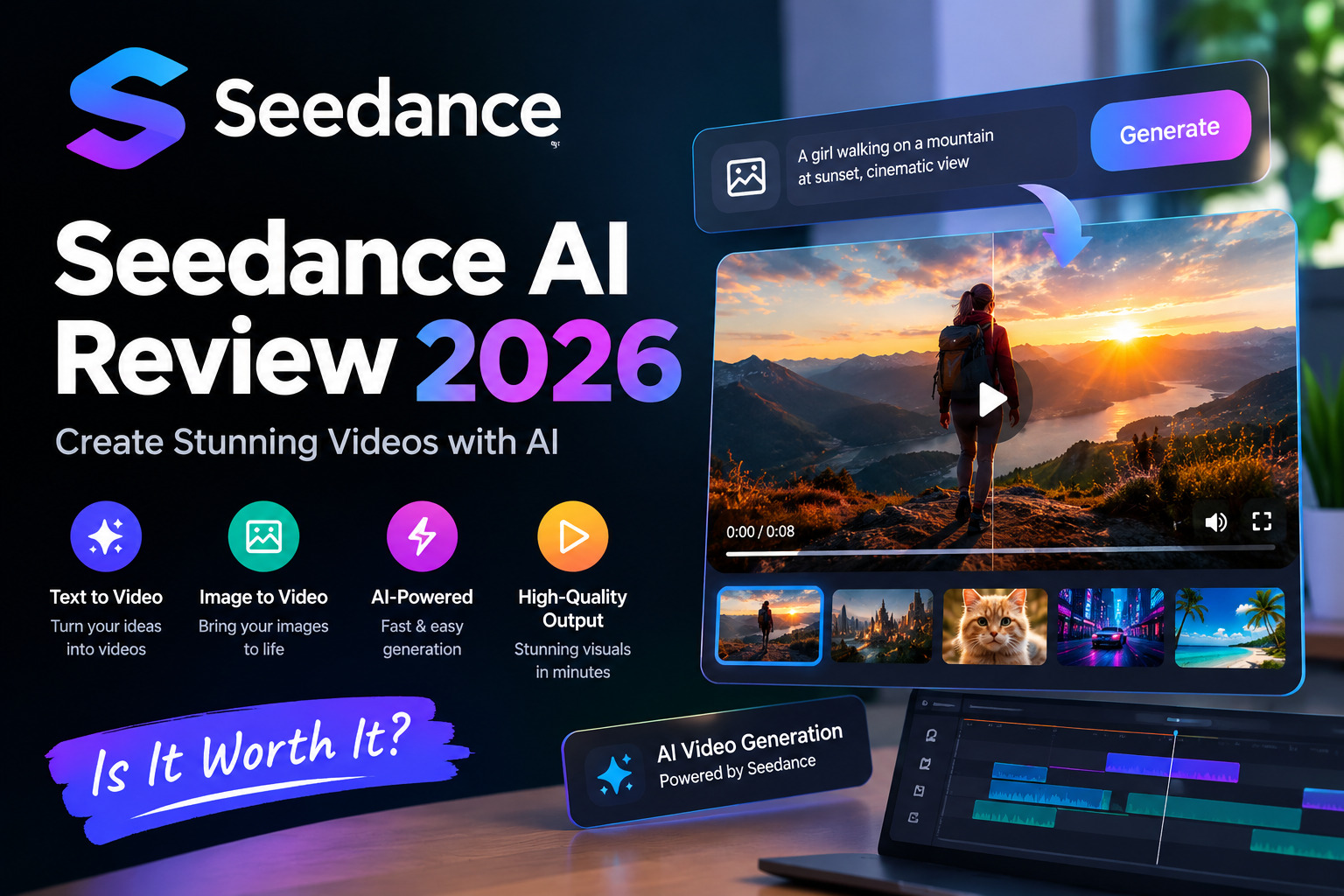
Seedance AI Review 2026 Seedance AI is ByteDance Seed’s AI video generation technology, designed to create video from prompts and reference materials.
The latest model, Seedance 2.5, focuses on longer storytelling, multimodal references, audio-video generation, and more precise editing.
Seedance 2.5 can generate videos up to 30 seconds in one generation and supports multiple extension rounds for longer sequences.
Through Dreamina, users can access Seedance with free and paid options, although pricing, credits, and benefits can vary by region and promotion.
This guide explains its features, pricing, workflow, use cases, limitations, and the differences between its recent versions.
What Is Seedance AI?
Seedance AI is a family of AI video generation models developed by ByteDance Seed, the AI research and development team behind several generative AI systems from ByteDance.
The technology is designed to turn creative instructions into videos while giving users more control through text prompts, images, videos, audio, and other reference materials.
Earlier Seedance versions focused on AI video generation and multimodal creation. Seedance 2.0 expanded the approach with unified audio-video generation and complex reference workflows. Seedance 2.5, launched on July 31, 2026, builds on that architecture with stronger long-form storytelling, multimodal reference control, and editing capabilities.
Unlike a basic text-to-video tool, the newer Seedance workflow is designed to understand multiple creative inputs. Users can provide reference material to help guide characters, scenes, composition, movement, style, and other elements.
Seedance 2.5 currently represents ByteDance Seed’s latest generation of this video model family.
How Does Seedance AI Work?
The basic workflow is straightforward:
Idea → Prompt or References → AI Generation → Review → Edit or Extend → Export
First, the user describes the desired video. A prompt can include the subject, location, camera movement, lighting, visual style, actions, and story.
Users can also provide reference materials when they need more control. Seedance 2.5 supports up to 30 images, 10 video clips, and 10 audio clips as references in a single pass, according to ByteDance Seed.
The model analyzes these inputs and generates the requested audio-video content.
After generation, the user can review the result and make changes. Seedance 2.5 also supports timestamp-based editing and reference-based editing, helping creators target specific parts of a video instead of regenerating everything from scratch.
This makes the workflow useful for both simple social clips and more complex visual storytelling.
Key Features
| Feature | What It Means |
|---|---|
| Text-to-video | Creates video from written instructions |
| Multimodal references | Uses images, videos, and audio to guide generation |
| Long-form storytelling | Connects multiple shots into a more complete sequence |
| Audio-video generation | Creates visual and audio elements together |
| Reference control | Helps maintain subjects, scenes, styles, and other details |
| Video extension | Extends existing generated sequences |
| Timestamp editing | Allows targeted changes to specific moments |
| Green-screen editing | Supports more advanced compositing workflows |
| Camera control | Helps direct camera perspective and movement |
| Creative references | Uses reference material to guide the visual result |
30-Second Video Generation
One of the main updates in Seedance 2.5 is its longer single-generation capability.
ByteDance says the model can create up to 30 seconds of audio-video content in one generation, compared with the 15-second single-pass generation of the previous version. It can also be extended through multiple rounds.
This is useful for storytelling because a 30-second sequence can contain several connected shots instead of showing only one short action.
The model is also designed to improve transitions, motion consistency, visual quality, and audio-video synchronization across longer sequences.
Multimodal Reference Generation
Reference control is another major part of the newer workflow.
AI Era covers practical AI tools and emerging technologies. Seedance 2.5 can accept multiple types of reference material at the same time. ByteDance says users can provide up to 30 images, 10 video clips, and 10 audio clips in one pass.
These references can help communicate:
- Character appearance
- Scene design
- Visual style
- Objects and props
- Motion
- Composition
- Audio
- Camera direction
This can be particularly useful when a creator needs several characters or visual elements to remain consistent throughout a sequence.
Editing and Creative Control
Seedance 2.5 is not limited to generating a complete video from one prompt.
The model supports more precise editing through timestamps. Users can describe changes for particular moments and modify elements such as characters, actions, or story details while attempting to preserve continuity.
ByteDance also highlights green-screen editing, camera perspective editing, and reference-based editing for professional creative workflows.
These features can be useful for advertising, film concepts, product videos, and other projects where simply generating a random clip is not enough.
Seedance 2.0 vs Seedance 2.5
Seedance 2.0 and 2.5 share the same broader direction toward multimodal video generation, but the newer model focuses more heavily on longer storytelling, reference control, and editing.
| Area | Seedance 2.0 | Seedance 2.5 |
|---|---|---|
| Main focus | Multimodal video generation | Long-form creative production |
| Audio-video generation | Yes | Yes |
| Reference inputs | Multimodal | Expanded multimodal references |
| Storytelling | Multi-shot workflows | Up to 30-second single generation |
| Video extension | Supported | Multiple extension rounds |
| Editing | Supported | More precise editing controls |
| Green-screen workflows | Available in the ecosystem | Enhanced editing capability |
| Camera control | Supported | More advanced creative control |
Seedance 2.5 was officially introduced in July 2026 as the newer-generation model. ByteDance describes it as an evolution focused on foundational generation, reference-based generation, long-form storytelling, and editing.
Seedance AI Pricing
Seedance pricing depends on where the model is accessed, the selected plan, generation settings, and current promotions.
Dreamina currently provides consumer access to Seedance 2.0 and 2.5. Its official pricing page states that plans, pricing, credits, and benefits may vary by region.
Dreamina also offers a free option with available credits, while paid plans provide more credits and additional benefits. For another AI video generation option, see our Kling AI guide.
At the time of writing, Dreamina’s current promotional information lists Seedance 2.5 at $0.035 per generated second for 720p video under an eligible first-month promotion. This works out to about $0.35 for 10 seconds or $1.05 for 30 seconds at that promotional usage rate.
These figures should not be treated as permanent universal pricing. Promotions have expiration dates, and the actual amount available to an account can depend on its plan, region, credits, and generation settings.
| Pricing Factor | Why It Matters |
|---|---|
| Plan | Determines available credits and benefits |
| Model | Different Seedance versions can use credits differently |
| Resolution | Higher output settings may consume more credits |
| Generation length | Longer videos generally require more usage |
| References | Certain generation modes can have different credit costs |
| Region | Pricing and promotions can vary |
| Promotion | Temporary discounts can change the effective price |
For accurate purchasing information, users should check the Dreamina checkout page because it shows the latest offer available to their account.
What Can You Create With Seedance AI?
Seedance can be used for many different types of video projects.
Social Media Content
Creators can use AI video generation for:
- Short-form videos
- Instagram and TikTok content
- YouTube Shorts
- Visual storytelling
- Creative experiments
Marketing Videos
Businesses can use generated videos for:
- Product showcases
- Advertising concepts
- Campaign visuals
- Promotional content
- Brand storytelling
Dreamina specifically highlights product showcases and marketing videos as Seedance use cases.
Creative Projects
Seedance can also help with:
- Cinematic scenes
- Character-based stories
- Concept videos
- Visual experiments
- Film previsualization
- Storyboarding ideas
The main advantage is that creators can start with an idea and progressively add references and instructions instead of manually creating every visual element from the beginning.
How to Use Seedance AI
A simple workflow looks like this:
1. Choose the Seedance Model
Open a supported Seedance interface, such as Dreamina, and select the available model.
2. Write a Detailed Prompt
Describe the subject, environment, action, camera movement, lighting, and visual style.
For example:
A cinematic tracking shot of a futuristic city at sunset, with a person walking through a crowded street, realistic lighting, slow camera movement, detailed architecture, and atmospheric depth.
3. Add Reference Material
If you need a particular character, product, scene, or visual style, add suitable reference material when the interface supports it.
4. Generate the Video
Let the model create the first version.
5. Review the Output
Check:
- Character consistency
- Object details
- Camera movement
- Lighting
- Audio synchronization
- Scene transitions
- Unwanted visual changes
6. Refine or Extend
If the result is close but not correct, refine the prompt or use available editing and extension tools.
This approach is usually more efficient than expecting the first generation to be perfect. AI still has not developed the remarkable human ability to misunderstand instructions in exactly the same way every time.
Seedance AI Prompt Tips
Good prompts give the model more useful information.
Instead of writing:
“A man walking in a city.”
Try:
“A cinematic medium shot of a young man walking through a busy modern city at sunset, warm natural lighting, realistic movement, shallow depth of field, slow tracking camera, detailed background.”
Useful prompt elements include:
- Subject
- Action
- Location
- Camera angle
- Camera movement
- Lighting
- Visual style
- Mood
- Duration or timing
- Important reference details
Avoid adding conflicting instructions. A clear prompt usually gives the model a better-defined target.
Pros and Limitations
| Advantages | Limitations |
|---|---|
| Supports multimodal references | Generation can consume credits |
| Up to 30-second single generation | Results may need several attempts |
| Audio-video generation | Output is not always perfect |
| Supports longer storytelling | Availability can vary by platform |
| Advanced editing controls | Pricing can change with promotions |
| Useful for marketing and creative work | Complex scenes may require manual editing |
| Multiple reference types | AI can still produce unwanted details |
Seedance 2.5’s capabilities make it suitable for more controlled creative workflows, but it should not be treated as a replacement for every part of professional video production.
Human review is still important, particularly for commercial content, brand assets, factual scenes, and projects requiring exact visual consistency.
Who Should Use Seedance AI?
Seedance can be useful for:
- Content creators who need short videos quickly
- Social media marketers creating campaign visuals
- Businesses producing product demonstrations
- Creative agencies developing concepts
- Video professionals testing visual ideas
- Advertisers creating early campaign concepts
- AI enthusiasts experimenting with generative video
Users who require exact production control may still want traditional video editing software alongside AI generation.
Frequently Asked Questions
Is Seedance AI free?
Dreamina offers a free option with available credits. Paid plans provide additional credits and benefits, while exact pricing and availability can vary by region.
Who created Seedance AI?
Seedance is developed by ByteDance Seed, the AI research team within ByteDance. You can also explore our best AI tools for 2026 guide for more AI tool comparisons.
What is Seedance 2.5?
Seedance 2.5 is ByteDance Seed’s newer-generation video creation model, officially launched on July 31, 2026. It focuses on longer storytelling, multimodal references, and more precise editing.
How long can Seedance 2.5 videos be?
Seedance 2.5 can generate videos of up to 30 seconds in a single generation and supports multiple extension rounds.
Can Seedance generate video from images?
Yes. Seedance 2.5 supports image references and broader multimodal reference workflows. ByteDance says users can provide up to 30 images in a single generation.
Can Seedance generate audio?
Seedance 2.5 is an audio-video joint generation model, meaning audio and visual generation are integrated into the model’s workflow.
Where can I access Seedance?
Seedance 2.5 is being rolled out across ByteDance’s ecosystem, including platforms such as Jimeng AI and Doubao Pro, while Dreamina provides consumer-facing access to Seedance models.
Is Seedance good for marketing videos?
Seedance can be useful for product showcases, advertising concepts, campaign visuals, and other creative marketing tasks. Dreamina itself highlights marketing videos and product showcases as use cases.
Final Thoughts
Seedance has developed from an AI video generation model into a broader creative system focused on video, audio, references, storytelling, and editing. For wider industry context, see our guide to the generative AI trends of 2026.
The latest Seedance 2.5 adds up to 30-second single-generation videos, expanded multimodal references, multiple extension rounds, and more precise editing capabilities.
For creators and marketers, its main value is the ability to combine prompts with reference materials and generate more structured video content.
Pricing depends on the platform, plan, region, credits, and current promotions, so users should verify the latest Dreamina pricing before purchasing.
Overall, Seedance is a useful option for experimenting with AI-generated video, developing creative concepts, and producing marketing or social content while keeping human review and editing in the workflow.