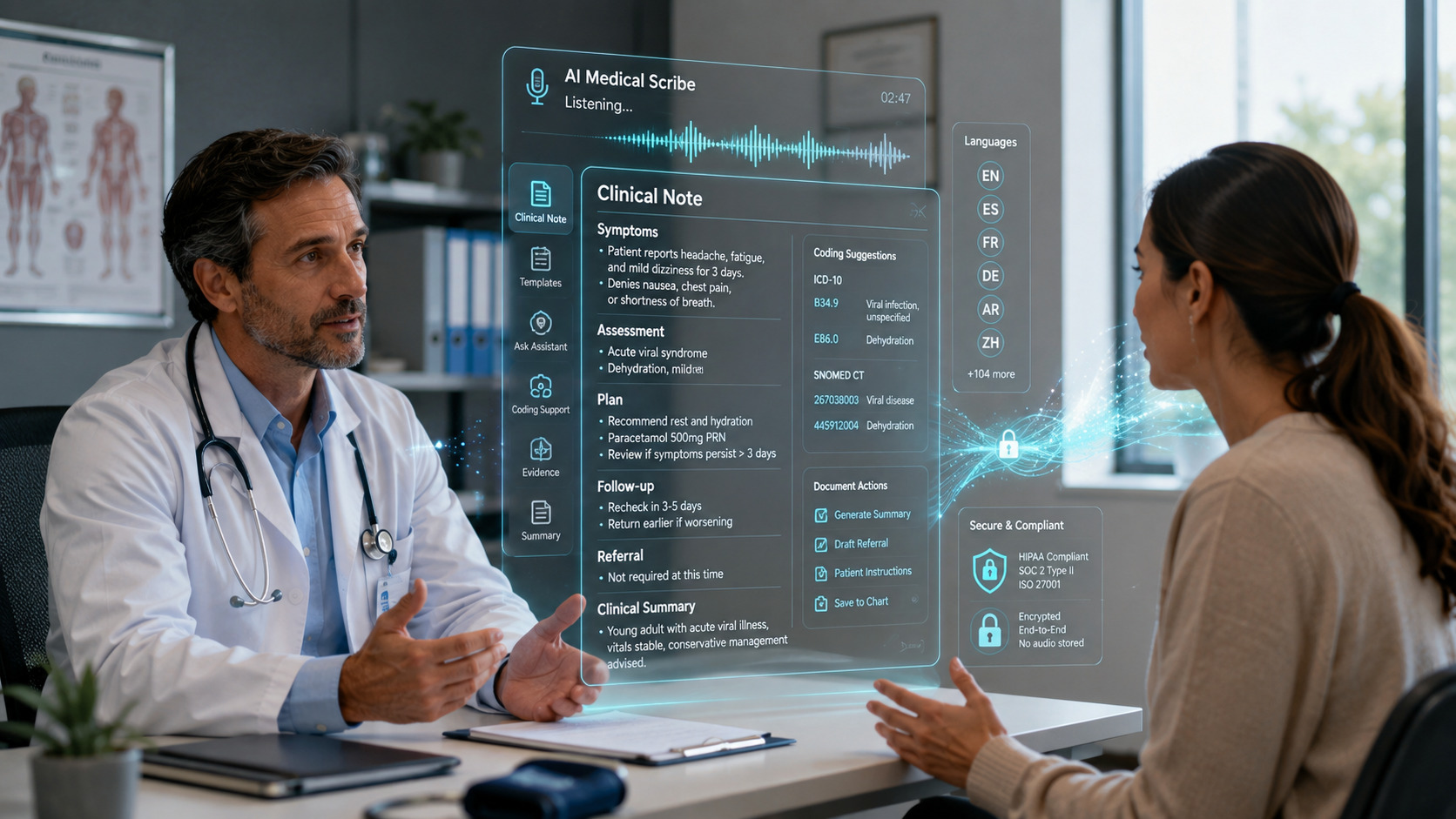
Nano Banana Pro Explained: What Google’s Gemini 3 Pro Image Model Can Do
Most AI image tools are fun for five minutes and frustrating after that. The text on your poster comes out misspelled, the product in the second image looks nothing like the one in the first, and a simple edit changes the whole scene instead of the one detail you asked for. Nano Banana Pro is Google’s attempt to fix exactly those problems, for people who need images they can use for work, study and business.
What Nano Banana Pro actually is
Nano Banana Pro is the public name for Gemini 3 Pro Image, an image generation and editing model from Google DeepMind, introduced on 20 November 2025. It is built on Gemini 3 Pro, so it uses the reasoning and real world knowledge of Google’s flagship model before it draws anything. A model that reasons first can plan a layout, keep track of the facts you gave it, and place elements where they belong, instead of guessing pixel by pixel.
It sits above the original Nano Banana, based on Gemini 2.5 Flash Image. Google positions the two clearly: the original is for fast, casual editing, while Pro is for complex compositions that need the highest quality. If you follow the wider family, our Nano Banana 2.1 migration guide explains how the newer releases fit together.
Text inside images that you can actually read
The headline improvement is text rendering. Google describes Nano Banana Pro as its best model for creating images with correctly rendered, legible text directly inside the image, from a short tagline to a full paragraph. That opens up work older models handled badly: posters with a real headline, product mockups with readable labels, and slides where the words are part of the design.
The multilingual side is just as useful. You can generate text in multiple languages, or translate and localize the text in an existing design, so the same poster can serve different audiences without hours of manual redesign. One warning from Google’s own model page: spelling and fine details can still go wrong, so proofread any text before you publish or print.
Consistency for products, brands and people
Nano Banana Pro can blend elements from up to 14 images in one composition, while keeping the consistency and resemblance of up to five people. For a small business, the practical version looks like this: feed it your product photos, logo and brand colors, then ask for a new marketing visual. The product stays recognizably yours, and the branding stays consistent across every version.
The same consistency helps elsewhere. A teacher can keep the same illustrated character across a set of study diagrams, and a shop owner can show the same item in different settings without a new photo shoot each time. Consistency is what turns an image generator from a toy into a production tool.
Studio style controls for editing
Pro also adds stronger creative controls for editing images you already have:
- Select and refine a specific part of an image with localized editing, instead of regenerating the whole picture
- Adjust camera angles and focus, and apply color grading for a more polished finish
- Change scene lighting, for example turning a daytime product shot into an evening scene or adding a soft bokeh effect
- Choose from a range of aspect ratios, with 2K and 4K resolution available for output that must hold up on large screens or in print
These controls matter because real design work is mostly editing, not generating, and Pro is built for that loop. Our AI picture generator guide shows how to create better AI images step by step.
Infographics, diagrams and real world knowledge
Because the model can connect to Google Search and reason over content you provide, Nano Banana Pro is also a tool for explaining things. Google highlights turning handwritten notes into diagrams and building context rich infographics from your own material. A student can turn rough class notes into a clean revision diagram, and a small team can turn a list of facts into a report visual without hiring a designer for the first draft.
Keep one habit here: check the facts in any data visual before sharing it. Google itself notes the model can misinterpret information in diagrams, so treat the output as a fast draft that still needs your eyes on it.
Where you can use it, and what access looks like
You can use Nano Banana Pro in several Google products:
- The Gemini app, by choosing Create images with the Thinking model. Free tier users get limited quotas, then fall back to the original Nano Banana model, while Google AI Plus, Pro and Ultra subscribers get higher quotas
- NotebookLM for subscribers, and Google Slides and Vids for Workspace customers
- Google Ads, where image generation is being upgraded to Nano Banana Pro
- Flow, for Google AI Ultra subscribers, and the Gemini API, Google AI Studio and Vertex AI for developers and enterprise
There is no single price to quote, because access depends on the product and plan you already use. Casual users can try it within free limits, and heavier use sits behind Google’s paid AI plans or developer billing.
One transparency point: images made with Google’s tools carry an invisible SynthID digital watermark, and free and Pro tier images in the Gemini app also show a visible one. You can even upload an image to the Gemini app and ask whether Google AI generated it.
How to get good results with Nano Banana Pro
Google’s own prompting guide is refreshingly practical. The habits that make the biggest difference are simple:
- Describe the full scene, not just the subject. Name the subject, framing, action, location and style in plain sentences
- Direct the camera. Mention shot type, angle, lighting and aspect ratio, the way you would brief a photographer
- State any text that must appear, word for word, and say how it should look, for example a bold headline at the top
- For edits, be direct and specific. Say exactly what should change and what must stay the same
- Give every reference image a job, such as the product, the background or the color palette
- Work in small steps. Generate a good base image first, then refine it with follow up edits
Honest limits worth knowing
Google is open about the weak spots. The model can still struggle with small faces, fine details and exact spelling. Blending many images or making major lighting changes can occasionally produce unnatural results or artifacts, and character consistency is not guaranteed every time. For important work, inspect the final image closely before it goes public.
Who should use Pro, and who can stay put
Choose Nano Banana Pro when your images carry text, represent a real product or brand, or need to stay consistent across a series. Posters, product visuals, study diagrams and marketing graphics are its home ground. Stay with the original Nano Banana for quick, fun edits where speed matters more than precision. Pro is Google’s most serious step yet toward dependable design work.